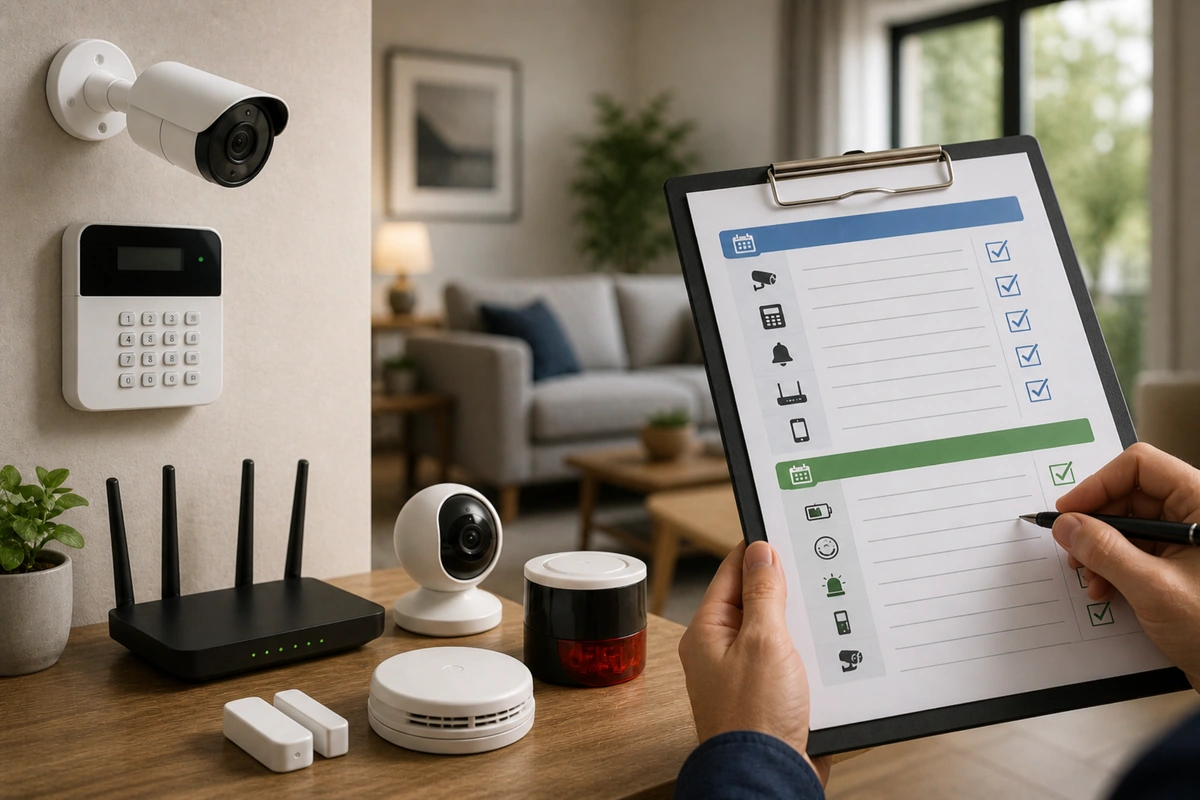
🛡️Home Security Maintenance Checklist (Monthly & Yearly)

TLDR
- A simple monthly check keeps your security system reliable and prevents small issues from turning into failures.
- Battery health, sensor testing, and camera functionality should be reviewed every month.
- Yearly maintenance focuses on deeper checks like firmware updates, hardware wear, and system upgrades.
- Most security failures happen due to neglect, not equipment failure.
- A structured checklist makes maintaining your system quick, predictable, and stress-free.
Most people set up their security system, feel good about it, and then forget about it. Months pass, maybe years, and everything looks fine, so it must be working. That is the trap. Security systems do not usually fail all at once; it is a gradual decline, such as a dead battery, a disconnected sensor, or a camera that stopped recording last week.
You often do not notice these gaps until you actually need the system to perform during an emergency. If you are still assessing your home like a burglar would, you will realize that a non-functional sensor is essentially an open invitation.
I have seen this firsthand. A friend had a full DIY setup, but one motion sensor had been offline for months. No alerts, no warning he paid attention to. It created a blind spot he didn’t even realize existed until a package was stolen and there was no footage to review. The good news is that maintenance does not take much time if you stay consistent.
Think of your system like a car; small, regular checkups prevent bigger problems down the road. For those wondering where to start with DIY security, establishing a routine is just as important as picking the hardware itself. Consistency is the only way to ensure that what DIY home security actually protects against is fully covered 24/7.
🔄 Monthly Home Security Checklist (Quick but Critical)
Your monthly routine is your first line of defense. It is not about deep troubleshooting; it is about catching obvious issues early before they compromise your safety. This process should take you 15 to 20 minutes at most.
Developing a monthly home security checklist ensures you do not overlook the most common security mistakes homeowners make. When you test alarms and sensors regularly, you significantly reduce the risk of a “silent failure” where the system appears armed but cannot communicate a breach.
Essential Monthly Tasks
- Test door and window sensors: Physically open and close each one to ensure alerts trigger correctly in your app or control panel.
- Trigger motion detectors: Walk through covered areas to confirm detection works and pay attention to delays or missed triggers.
- Check camera feeds: Open each camera and verify the live view works, video quality is clear, and night vision activates properly.
- Review battery levels: Most apps show status; do not ignore low battery warnings as sensors can drop off the network unexpectedly.
- Verify notifications: Trigger a test alert and confirm it reaches your phone to ensure reliable wireless connectivity is active.
- Inspect physical placement: Sensors get bumped and cameras shift over time; make sure everything is still positioned correctly.
| Task | Frequency | Status |
| Test sensors | Monthly | ☐ |
| Test motion detectors | Monthly | ☐ |
| Check cameras | Monthly | ☐ |
| Review batteries | Monthly | ☐ |
| Test alerts | Monthly | ☐ |
| Inspect placement | Monthly | ☐ |
It is basic, but it works. Most issues show up here. If you find that your devices are frequently disconnecting, it might be time for optimizing your Wi-Fi for security devices rather than assuming the hardware is faulty.
🔋 Battery Maintenance (Where Most Systems Fail)
Batteries are the weakest link in most DIY systems. Even the best motion sensors vs contact sensors will not help you if they are dead when an intruder enters. Battery life varies depending on device type, usage frequency, and environmental temperature. Cold environments, such as uninsulated garages or outdoor entries, can shorten battery life significantly.
To stay ahead, you should replace batteries schedule security checks to avoid total failure before they die completely. Using manufacturer-recommended lithium batteries often provides better performance under varying conditions compared to standard alkaline versions.
Keeping spares at home ensures you never have a downtime period because you needed to run to the store. This is a critical part of designing a home security system on a budget because regular battery swaps are much cheaper than replacing a sensor that has leaked or corroded.
Battery Reality Check
- Door/window sensors: Often 1 to 3 years.
- Motion sensors: Typically 1 to 2 years.
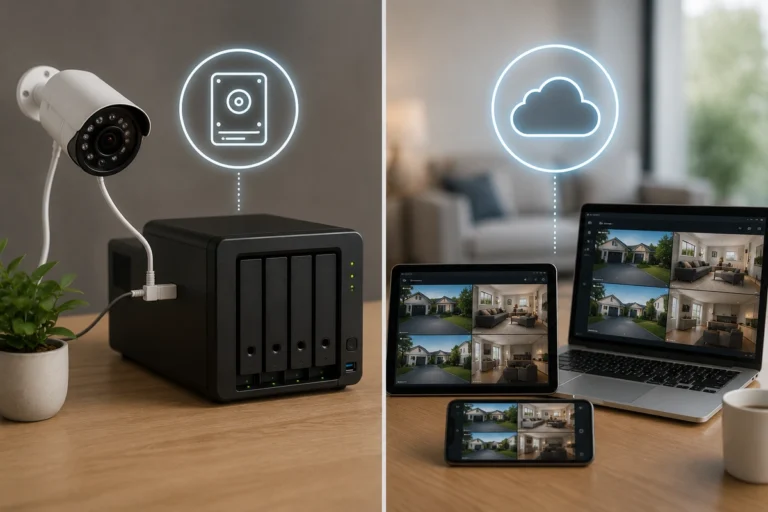
- Battery-powered cameras: Varies widely based on usage and whether you use local storage vs cloud storage.
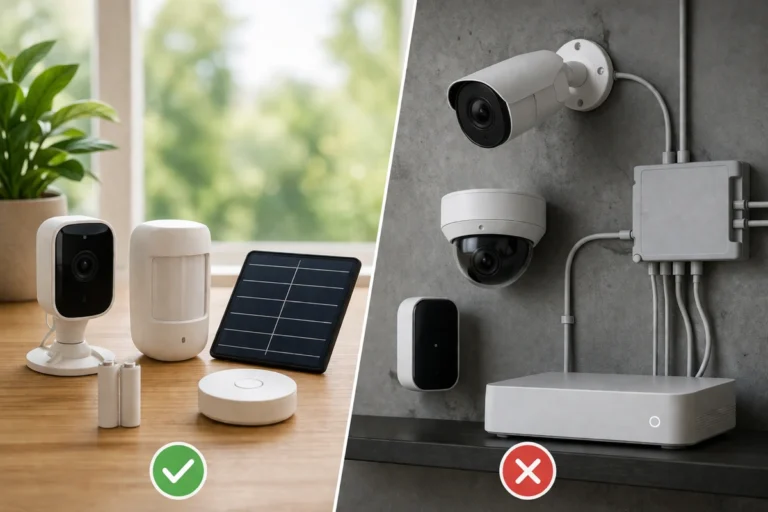
If your system feels “randomly unreliable,” battery health is the first thing to check. For those who want to avoid this entirely, consider the battery vs wired security devices trade-off for high-traffic areas.
📡 Connectivity, App, and Physical Checks
Even if your hardware is perfect, your system depends on connectivity, especially for Wi-Fi-based setups. Once a month, look at your network health in the app. Check for offline devices and verify that your app is updated to avoid the common DIY home security failures that plague unmaintained systems.
Physical inspection is equally important and often overlooked. Smudges on camera lenses can reduce clarity, especially at night, while curtains or new decorations can interfere with motion detection.
It is wise to inspect locks and cameras checklist items to ensure mounting is still secure. If you are using smart locks vs traditional locks, check for any physical obstructions in the door jamb that might cause mechanical strain on the motor.
Quick Physical Maintenance
- Clean camera lenses: Use a microfiber cloth to remove dust or spider webs that trigger false motion alerts.
- Clear sensor paths: Ensure furniture or plants haven’t grown to block the view of your PIR sensors.
- Check outdoor gear: Look for weather damage, especially after heavy rain or extreme heat cycles.
- Test secondary entries: Don’t just check the front door; ensure sliding glass doors and basement windows are still secured.
📅 Yearly Home Security Maintenance Tasks
Once a year, it is worth doing a thorough review of your security system maintenance checklist. Think of this as your system reset where you evaluate the entire layered security framework of your home. This is the time to look at the bigger picture and see if your setup still fits your lifestyle.
Annual Deep Maintenance
- Update firmware: Manufacturers release security patches that are critical for protecting against home security threats most ignore.
- Reassess coverage: Has your home layout changed? Renovations or new landscaping can create new blind spots that weren’t there a year ago.
- Audit user access: Remove old users, guest codes, or devices that no longer need access to your home.
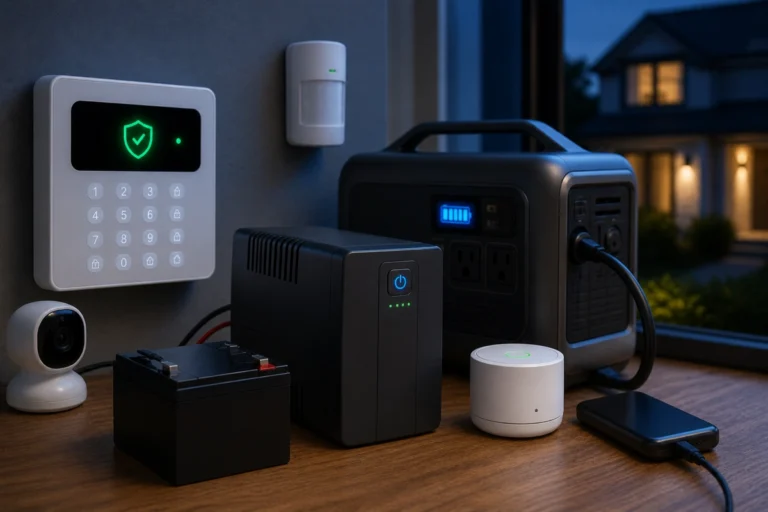
- Test backup systems: Confirm that your backup power solutions and cellular failovers work as expected during power and internet outages.
- Inspect locks: Check for wear and tear. You might need to reinforce your front door if the strike plate has become loose.
| Task | Frequency | Status |
| Update firmware | Yearly | ☐ |
| Replace aging devices | Yearly | ☐ |
| Reassess coverage | Yearly | ☐ |
| Review user access | Yearly | ☐ |
| Test backups | Yearly | ☐ |
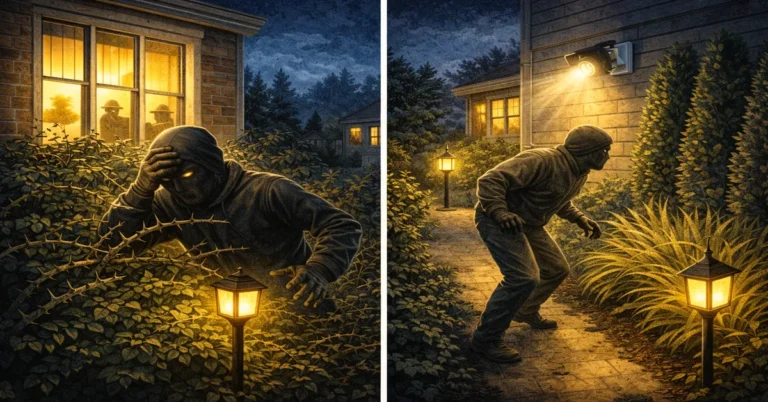
This is also a good time to consider if you need to upgrade your system over time to match your evolving needs. Many people realize during their yearly audit that most homes are vulnerable despite having locks, leading them to add more layers like outdoor motion lighting.
🧠 Expert Insight: Simplicity Wins
If there is one thing I have learned from following a safe home maintenance guide, it is that consistency is more important than complexity. A simple, well-maintained setup will almost always outperform a complex one that is neglected. Focus on reliable devices and clear coverage. You do not need dozens of sensors if half of them are not working properly.
A home security checklist should be easy to follow. If it’s too difficult, you won’t do it. High-end features like AI facial recognition are great, but they are useless if the base station is unplugged or the firmware is three versions out of date.
Focus on the fundamentals: where to place security cameras for maximum effect and ensuring every sensor has a fresh battery.
Common Maintenance Mistakes to Avoid
- Ignoring app notifications: Those alerts about “low battery” or “offline” matter; do not dismiss them without checking.
- Skipping regular checks: Waiting for something to fail is the worst approach to protecting your home.
- Forgetting backup systems: If your main system fails, your redundancy should kick in. But only if it is working.
- Mixing battery brands: Use consistent types in each device to avoid uneven power draw and sensor dropouts.
🔐 Conclusion: Small Effort, Big Payoff
A comprehensive home security checklist does not need constant attention, but it does need consistent attention. By performing these yearly home security maintenance tasks and keeping up with monthly reviews, you ensure your system will work when it matters most. It is the difference between having a security system and actually having security.
Building these habits is part of the transition from a minimalist setup to a truly robust defense. The payoff is peace of mind. When your system is maintained, you know it will work. No guessing, no surprises. And honestly, once you build the habit, it becomes second nature, just like locking your door before you leave.
You don’t think about it; you just do it because you know that how home burglaries actually happen usually involves finding the one gap you forgot to check. Stay proactive, stay consistent, and keep your home protected.