🆙 How to Upgrade a DIY System Over Time
TLDR
- Start with core devices like entry sensors and expand your system gradually over time.
- Prioritize upgrades based on real vulnerabilities, not just new features or trends.
- Improve reliability with better connectivity, power backup, and regular maintenance.
- Add layers like cameras, lighting, and automation for stronger overall protection.
- Upgrade strategically to avoid wasted money and compatibility issues.
Most DIY home security setups don’t start out perfect. You install a starter kit, maybe a couple of sensors, a camera, and call it a day. Honestly, that’s fine. It’s exactly how most people begin.
The mistake isn’t starting small. It’s staying stuck there. A good security system isn’t built in one weekend. It grows with your home, your habits, and sometimes even your budget.
The key is knowing how to upgrade home security system equipment without overcomplicating things or wasting money on gear you don’t actually need. Let’s walk through how to scale your security framework in a way that feels manageable and actually makes your setup better over time.
🚪 Start With What Matters Most
Before you add anything new, take a step back and look at what you already have. Your first upgrades should always focus on the most common entry points. Doors and ground-level windows are still the primary access routes in most break-ins, which makes them the logical place to start strengthening your system.
If your setup only includes a couple of basic components, expanding DIY security system coverage here is usually the smartest move. This baseline expansion directly counters how residential property crimes occur by blocking accessible points of entry.
Add contact sensors to every exterior door, then move to accessible ground-floor windows. This alone can dramatically improve your baseline security without adding much technical complexity.
📋 Priority Entry Point Matrix
| Expansion Phase | Target Location | Primary Device Type |
| Phase 1 | Front and Back Exterior Doors | Heavy-Duty Contact Sensors |
| Phase 2 | Ground-Floor Windows | Slimline Window Sensors / Glass Break Detectors |
| Phase 3 | Attached Garage and Side Utilities | Motion Trackers / Overhead Sensors |
🏗️ Strengthen Physical Security First
It’s easy to get excited about smart tech, but physical security upgrades are often just as important. Reinforcing door frames, upgrading strike plates, and installing solid deadbolts can make forced entry significantly harder. These are low-cost improvements that work alongside your electronic system instead of replacing it.
Lighting is another simple upgrade that pays off quickly. Motion-activated outdoor lights increase visibility and can deter unwanted activity before it even reaches your door. They’re easy to install and don’t require ongoing maintenance beyond the occasional battery check.
When you add cameras and sensors to system components, always ensure they are backed up by rugged hardware. Electronics can only alert you to a threat; they cannot physically slow an intruder down.
🔍 Read More
- Swap out short mounting screws for three-inch steel screws to anchor strike plates deep into structural studs.
- Ensure your door jambs are fortified to resist heavy impact and blunt force.
- Discover why relying entirely on basic electronic alerts without physical backup can fail by reviewing this structural analysis on why most homes are vulnerable despite having locks.
📹 Add Cameras Where They Actually Help
Cameras are usually the next step when you upgrade home security over time, but placement matters more than quantity. Start with key areas like your front door, back entrance, and any blind spots around your property. A single well-placed camera is far more useful than three poorly positioned ones.
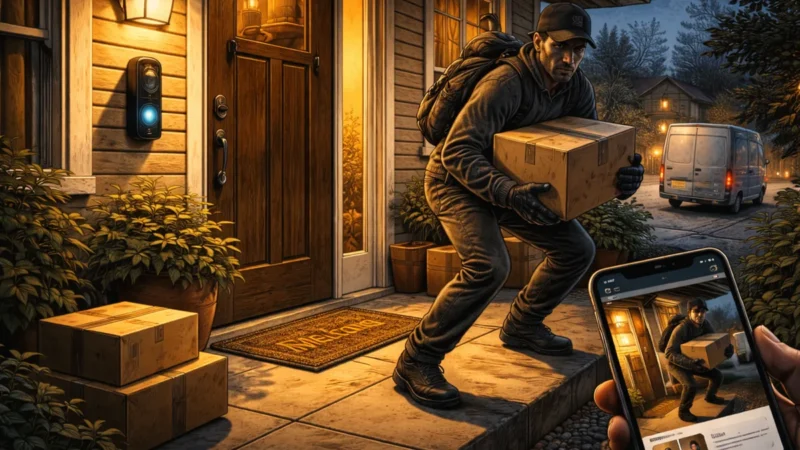
When you add more devices to security system setups, specifically think about what you want your cameras to do. Are you checking deliveries? Monitoring a backyard? Keeping an eye on a garage? Each use case might require a slightly different setup, whether that’s a wider field of view or better night performance.
Many homeowners keep adding cameras but never adjust their angles. They end up with plenty of footage, but not much useful coverage. Avoid this by learning the fundamentals of retail surveillance types before making a purchase.
💡 Expert Tip
Map Your Angles Before Mounting: Walk your property and identify blind spots where a prowler could hide from view. Focus your limited camera budget on covering these specific zones first. To ensure you don’t waste money on overlapping or unhelpful views, see our guide on where to place security cameras for maximum coverage.
🛡️ Improve Your System’s Reliability
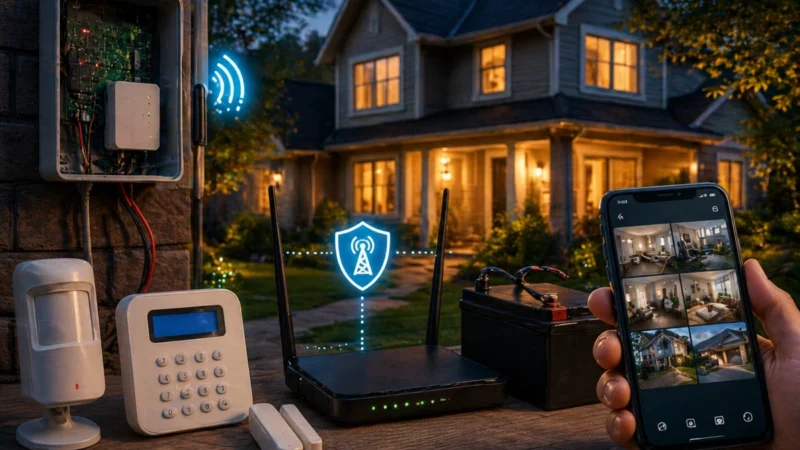
Upgrading isn’t just about adding devices. It’s also about making sure everything works consistently to improve existing alarm system architecture. Wi-Fi strength is a big one. If your cameras or sensors struggle with connectivity, it doesn’t matter how advanced they are. Expanding your network with a mesh system or repositioning your router can make a noticeable difference.
Power is another factor. Battery-powered devices are convenient, but they require constant attention. Over time, upgrading to a mix of wired devices or adding backup power options can improve reliability.
Some systems also offer cellular backup, which keeps your system connected even if your internet goes down. It’s not essential for everyone, but it’s worth considering when scaling home security setup frameworks.
📋 Reliability Upgrade Options
- Mesh Wi-Fi Nodes: Place network extenders closer to outdoor cameras to eliminate signal drops.
- Uninterruptible Power Supplies (UPS): Backup your central router and security hub against local power failures.
- Cellular Communicators: Add a cellular module to ensure alerts go through if telephone or internet lines are cut.
- Maximizing System Uptime: Learn how to keep your ecosystem online during severe weather or blackouts by reading our technical guide on fail-safe planning for power and internet outages.
🤖 Expand With Smart Automation
Once your core system is solid, automation can take things a step further. This is where your system starts to feel less reactive and more proactive. You can set lights to turn on when motion is detected, have cameras trigger recordings automatically, or receive alerts based on specific activity rather than constant notifications.
Automation also helps reduce alert fatigue. Instead of being notified about every minor event, you can fine-tune your system to focus on what actually matters.
It takes a bit of setup, but once it’s dialed in, it makes daily use much smoother. This ensures your smart upgrades tie seamlessly into a practical, multi-layered defensive strategy.
🔍 Read More
- Create rules that trigger indoor smart lamps when exterior motion sensors detect activity at night.
- Use smart plugs to turn off interior cameras automatically when your family is home.
- Explore how to properly configure your network parameters to protect your automation gear from digital intrusion by reviewing this guide on how to secure your home wi-fi for security devices.
📊 Upgrade Your Monitoring Approach
At some point, you’ll probably think about monitoring. Many DIY systems offer self-monitoring by default, which means alerts go straight to your phone. That works well for a lot of people, especially if you’re comfortable managing everything yourself.
However, there are also optional professional monitoring services that can contact emergency services if something happens. These typically come with monthly fees, and whether they’re worth it depends on your specific situation.
If you travel frequently or want an extra layer of response, it can be a useful upgrade. If you’re usually home or nearby, self-monitoring might be enough. Check the core differences between self-guided and professionally managed safety plans before committing to a contract.
📋 Monitoring Strategy Comparison
| Feature | Self-Monitoring Plan | Professional Monitoring Service |
| Monthly Cost | Free or Minimal Storage Fees | Ongoing Subscription Fees |
| Emergency Dispatch | You must call the police yourself | Monitoring center dispatches emergency services |
| Response Time | Dependent on your phone availability | 24/7 continuous automatic oversight |
🔌 Keep Compatibility in Mind
One of the easiest ways to waste money is by buying devices that don’t work well together. Before adding new components to your system, check compatibility with your existing control hub. Some brands work within closed ecosystems, while others support broader integration through common smart home platforms.
Mixing incompatible devices can lead to clunky setups, multiple smartphone applications, and limited functionality. A little research upfront saves an immense amount of frustration later.
When planning how to add more devices to security system layouts, look toward future-proof wireless standards. Embracing modern, universal communication protocols will make scaling home security setup frameworks simple and painless for years to come.
💡 Expert Tip
Stick to a Unified Ecosystem: Try to buy expansion components from the same manufacturer or standard protocol family. Managing your entire home through a single app is much more reliable than jumping between five different programs. For an in-depth breakdown of standard options, read our analysis on z-wave vs zigbee vs wi-fi.
🔄 Don’t Ignore Software and Security Updates
Upgrading isn’t always about physical hardware. Software updates play a huge role in keeping your system secure and functional. Manufacturers regularly release firmware updates to fix bugs, improve performance, and patch critical security vulnerabilities.
If you’re not keeping your system updated, you’re missing out on improvements that don’t cost anything. It’s also a good idea to review your account security. Strong passwords and two-factor authentication are simple upgrades that protect your system from unauthorized access.
Failing to update your software regularly is one of the most common mistakes DIYers make. Make a habit of checking your application’s system update menu at least once every month.
🔍 Read More
- Turn on automatic firmware updates within your security application settings menu.
- Routinely audit your shared user access permissions to remove old or unneeded accounts.
- Establish a reliable, recurring maintenance routine for your entire equipment inventory by following our home security maintenance checklist monthly yearly.
🧱 Add Layers, Not Complexity
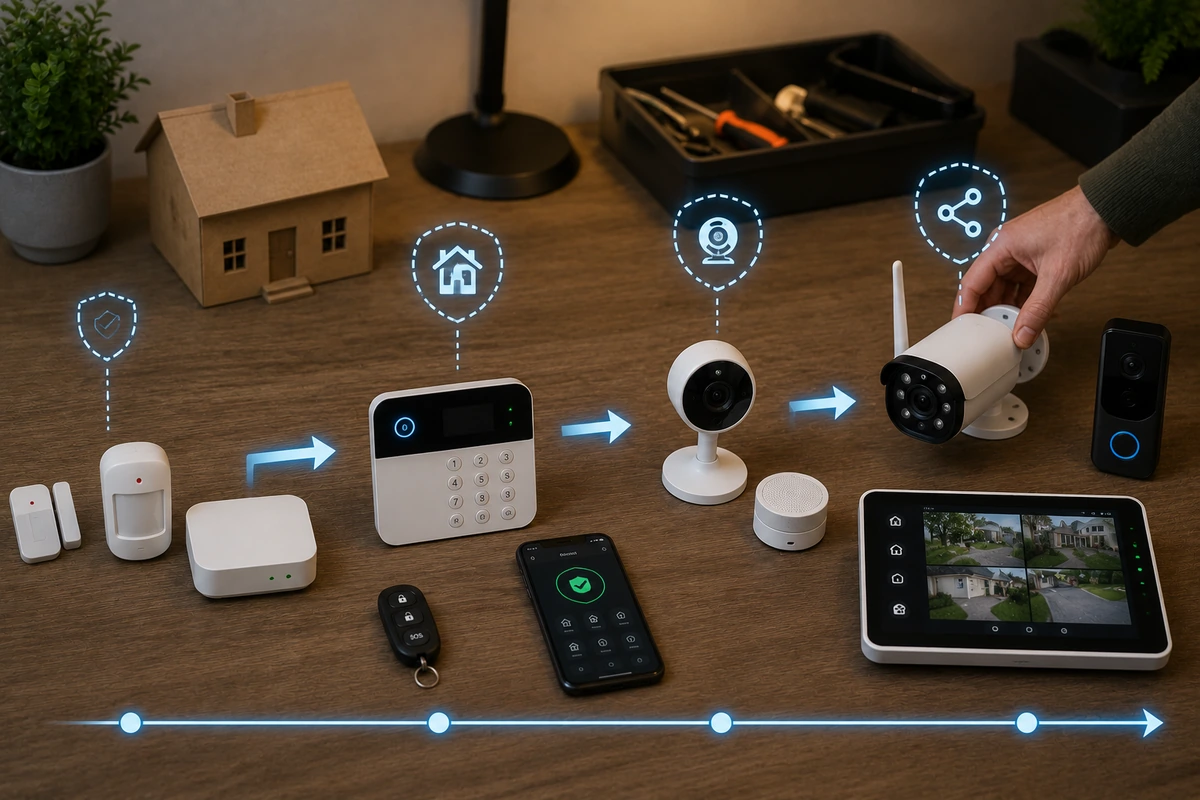
A strong DIY system is built in layers. You’ve got entry sensors, cameras, lighting, and maybe automation or professional monitoring working together. Each layer adds protection without making things harder to manage.
The goal isn’t to have the most devices. It’s to have the right combination that covers your actual risks. Sometimes that means stopping before things get overly complicated.
Setups that look impressive on paper can be incredibly frustrating to use day to day if they trigger notifications everywhere, cause overlapping coverage, or require constant adjustments. Simple and intentional almost always wins. You can review how to build a clean, distraction-free setup by looking over our guide on minimalist home security setups that actually work.
💡 Expert Tip
Test Before You Expand: Before you purchase a new layer of hardware, run a thorough test on your existing gear to make sure it’s working flawlessly. You can learn how to execute a complete diagnostic check by following our walkthrough on testing your home security system regularly.
💰 Budget as You Go
One of the biggest advantages of DIY systems is flexibility regarding your budget. You don’t need to spend everything upfront. Instead, you can spread upgrades over time. Add a device here, improve something there, and build your system at a pace that works for you.
There are also ongoing costs to consider. Cloud storage, battery replacements, and optional monitoring plans can add up over time. Planning for these expenses helps you avoid surprises and keeps your system sustainable long term.
As a bonus, upgrading your home security might lower your insurance premium, so make sure to check up on that with your local provider. This financial return can help offset the cost of designing a home security system on a budget.
📋 Long-Term Budgeting Checklist
- Calculate the annual cost of any required cloud video storage subscriptions before buying extra cameras.
- Factor in the recurring price of high-quality lithium replacement batteries for wireless sensors.
- Keep track of potential home insurance discounts by submitting proof of your security upgrades to your insurance agent.
- Figure out exactly how much you should allocate toward your property’s defense by reading our cost analysis on how much should you spend on home security.
🧠 Learn From Your Own System
Your best guide for upgrading your system is your own day-to-day experience. Pay close attention to how your hardware performs during your regular family routines. Are you missing alerts? Are there specific areas where you don’t feel fully covered? Are certain devices more trouble than they’re worth?
These small observations point you toward meaningful upgrades. Over time, your system becomes more tailored to your space and your habits. That’s something no pre-built package can really match.
By taking the time to assess your property the way an intruder would, you can make smart, targeted adjustments that give you maximum protection for every dollar spent.
🔍 Read More
- Keep track of any dead zones or signal drops that happen during daily use.
- Adjust your sensor sensitivity rules if your daily habits are causing accidental false alarms.
- Discover how to avoid common property vulnerabilities by checking out our guide on the most common security mistakes homeowners make.
🏁 Conclusion
Upgrading a DIY home security system isn’t about chasing the newest gadgets or buying every single sensor on the retail shelf. It’s about making steady, practical improvements that actually strengthen your setup over time.
Start with the basics, build coverage where it matters, and improve reliability before adding complexity. Take it step by step. If you do it right, your system won’t just grow. It’ll get smarter, more dependable, and easier to live with over time.
That is really the ultimate goal: not just more security devices, but better security that fits seamlessly into your everyday life.