Where to Place Security Cameras for Maximum Coverage

Key Take-Aways
- Prioritize major entry points like the front door, back door, first-floor windows, and garage access.
- Mount outdoor lenses 8 to 10 feet high and angle them downward to capture usable facial details.
- Design overlapping fields of view to completely eliminate vulnerable coverage gaps and “dead zones” around your perimeter.

DIY security often involves buying high-quality cameras for many people … They’re so happy and satisfied when they put up their beast, feeling safe.
But this is only half the equation. Where you place your cameras determines whether they actually keep you safe or simply give you a false sense of security.
I have seen setups with incredibly expensive gear pointed directly at empty walls.
On the flip side, I have seen highly affordable systems positioned perfectly that managed to capture every single detail that mattered.
Effective surveillance layout is in large part a matter of strategy, especially when you’re doing it yourself and on a budget.
When done right, even a modest configuration can deliver excellent visibility, deep deterrence, and true peace of mind.
Let’s walk through exactly how to position your cameras for real-world, everyday effectiveness.
Start With Primary Entry Points
If you are completely unsure where to begin, always focus on the main doors first.
The vast majority of residential property intrusions involve an unlawful entry right through a door or a ground-floor opening.
That reality automatically makes your exterior entry points the absolute highest priority on your checklist.
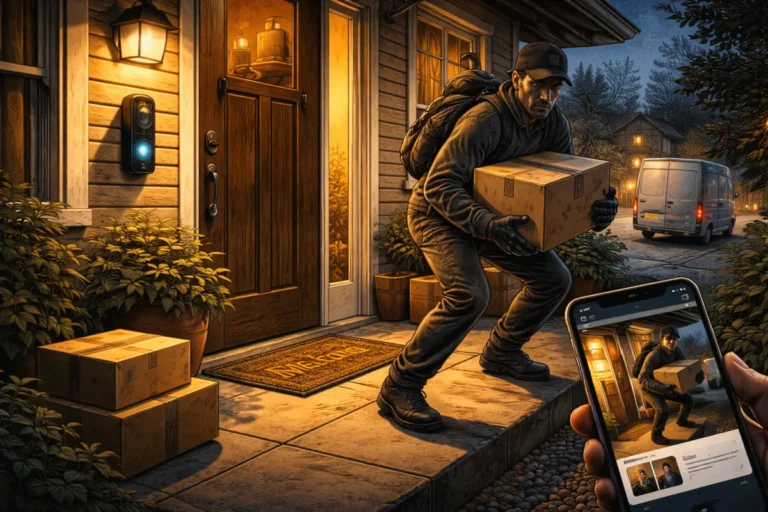
Your front door should always be your number one surveillance target. A dedicated doorbell unit works incredibly well here because it captures arriving faces at a completely natural angle.
It is also an excellent tool for tracking daily package deliveries and preventing porch theft.
(Well… you can’t really prevent that with a camera, but at least you can see the scumbags taking your stuff.)
Just like you’d do in prison: do not ignore your back door or side entry paths either.
Most intruders prefer working in less visible areas, especially if heavy fencing or tall privacy landscaping blocks the view from the street.
You want to make sure you cover every single door that leads inside
First-Floor Windows Matter More Than You Think
Ground-level windows are other highly vulnerable access points that require intentional surveillance planning.
However, you do not necessarily need a dedicated individual lens assigned to every single window pane on your ground floor.
Instead, smart security camera placement involves positioning your hardware to monitor clusters of windows or long exterior walls where multiple windows sit side by side.
This allows a single wide-angle lens to track an entire side of your home simultaneously.
If a particular window faces a completely secluded side yard or a dark alleyway, it immediately becomes a much higher priority for your system.
High visibility from the main street naturally reduces your overall risk, but secluded zones benefit immensely from direct, dedicated monitoring.
Strategic angles allow you to stretch your hardware budget much further.
Mount Cameras at the Right Height
Now, WHERE you put your cameras is important, but HOW HIGH you place them also plays a massive role in both the overall coverage area and the final image clarity of your recorded footage.
Discovering the best places to install security cameras always requires a careful balance between physical device accessibility and a clean, undistorted line of sight.
My recommendation: outdoor units are typically mounted between 8 and 10 feet above the ground level.
This specific height is highly effective because it keeps the physical hardware safely out of reach from casual tampering while remaining low enough to capture clear, recognizable facial features.
- Mounting your gear too high up on a roofline reduces its identification value to nothing more than the tops of people’s heads.
- Conversely, mounting it too low leaves the physical unit vulnerable to being blocked or stolen.
For the best results, aim for an optimal camera height placement that looks slightly downward to maximize your facial recognition capabilities.
Height Performance Guide
| Mounting Height | Main Advantage | Potential Risk |
| Below 7 Feet | Excellent facial detail and close-up clarity | Highly vulnerable to physical vandalism and lens masking |
| 8 to 10 Feet (Optimal) | Secure from ground reach while maintaining great identification angles | Requires a ladder for basic battery swaps or manual cleaning |
| Above 12 Feet | Massive wide-angle field of view across large yards | Disastrous top-down angles that miss crucial facial features |
Avoid Blind Spots With Overlapping Coverage
Now, when speaking to other home owners, I’ve noticed something.
One of the most frequent layout mistakes homeowners make is treating their surveillance gear like completely isolated devices.
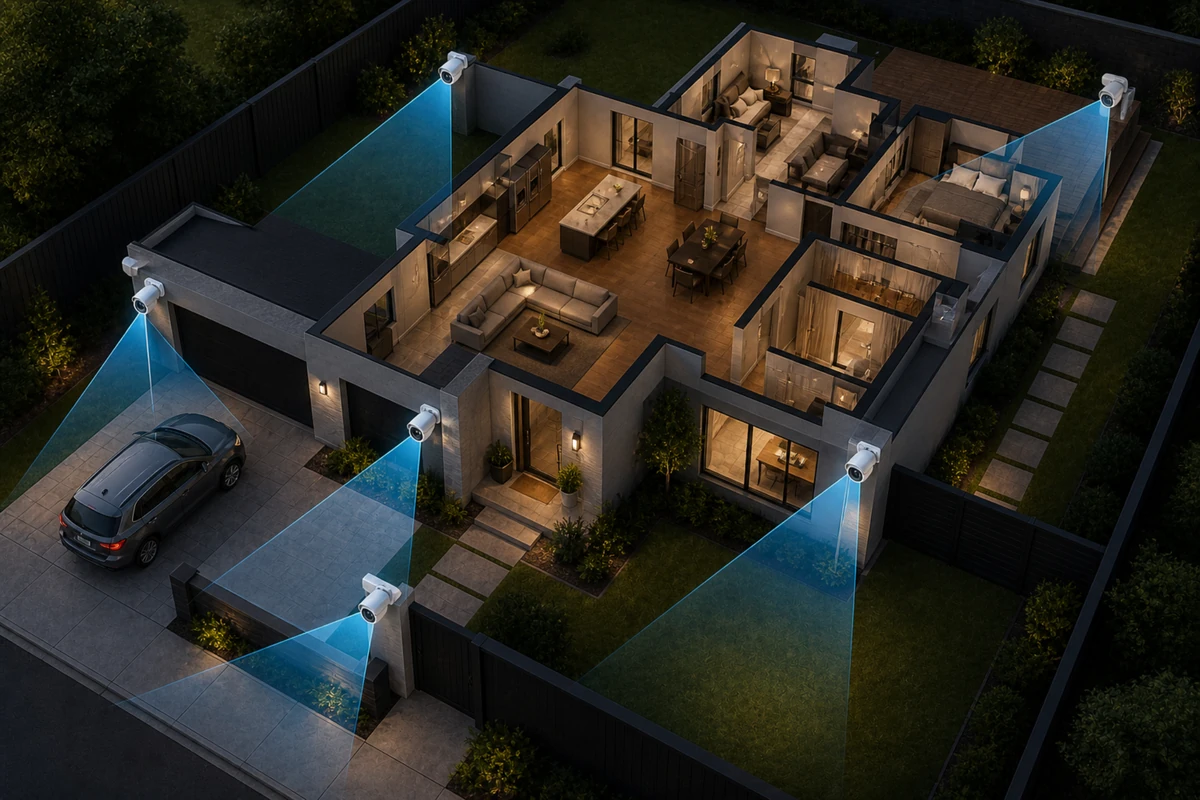
To build a truly resilient perimeter protection system, you must learn how to position cameras for full coverage by creating intentional, slight overlap between adjacent units.
Yes, this will take some time to properly configure, but it’s worth it.
If one device suffers a sudden hardware failure or gets blocked by an obstacle, an adjacent unit can still record (part of) the shady activity.
You do not necessarily need perfect, military-grade 360-degree coverage across every square inch of grass.
However, you absolutely want to use smart security camera placement tips outside house layouts to eliminate obvious blind zones near your primary doors and windows.
Interior Camera Placement: Focus on Traffic Flow
Let’s now take it inside.
When moving your surveillance planning inside the home, the overall strategy shifts a bit.
Indoors, you should GENERALLY focus your efforts entirely on common high-traffic spaces rather than private rooms.
Living rooms, central hallways, and the immediate areas surrounding your primary entry points are ideal interior locations.
These are the natural bottleneck zones that anyone moving through your house must walk through, making them the most efficient spots for your hardware.
That being said – I 100% understand if you want to have a camera on your safe inside your bedroom or study room.
Consider Camera Field of View
Not all surveillance lenses see the exact same amount of physical space. A camera’s true coverage potential is measured in degrees of field of view, and choosing the wrong lens style for a specific location can leave major gaps in your defense.
A very wide-angle lens captures a massive chunk of physical area, but it naturally reduces the crisp, fine details of objects sitting further away in the distance. Conversely, a narrow, tight angle provides highly focused detail but covers a much smaller amount of actual physical ground.
You should always deploy wide-angle hardware for broad, open outdoor areas like backyards or large family rooms. Use narrow, focused lenses for specific, targeted zones like a tight entryway door where capturing crisp facial characteristics is the primary goal.
Field of View Selection Strategy
| Lens Type | Typical Field of View | Best Use Case Location |
| Ultra-Wide Lens | 130° to 160° | Expansive backyards, open-concept living rooms, corner mounts |
| Standard Lens | 90° to 110° | Front porches, multi-car driveways, suburban walkways |
Do Not Forget About Signage
Even when working with a highly limited hardware budget, visible surveillance units and clear warning signs can serve as incredibly powerful deterrents.
When a property looks challenging to exploit, most casual intruders will simply move on to an easier target.
When your hardware is clearly visible near your primary entry points, it signals to everyone that the home is actively monitored.
This psychological layer reduces your overall security risk before a single second of footage is ever actually recorded.
Placing a warning sign near eye level at your front walkway reinforces this protective boundary perfectly.
It ensures that your security layout works to prevent an incident from occurring in the first place, rather than just documenting the aftermath.
(You can even do this when you don’t actually have cameras yet, but first read my analysis on do fake cameras and security signs actually work for real-world metrics.)
Test Before You Finalize
Once your hardware is physically mounted (but not super-tight yet), running a complete end-to-end performance test is absolutely essential.
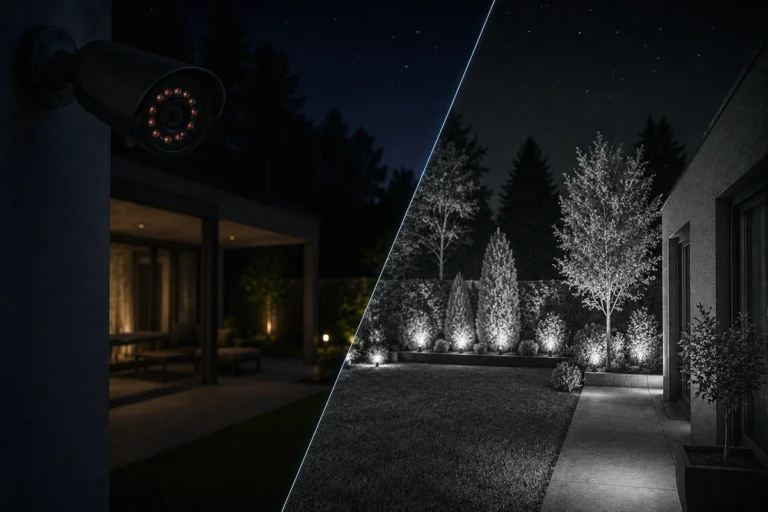
Walk slowly through your property during both the bright afternoon hours and the pitch-black night to see how your system responds.
Pay close attention to how your built-in motion detection zones trigger as you walk past.
Review the recorded video history clips on your phone to check for unexpected blind zones, washing out from bright sunlight, or fuzzy night-time details.
Small, incremental adjustments to a lens angle or a mounting bracket can dramatically improve your total coverage.
This final testing phase is often overlooked by hurried homeowners, but it is the exact step where maximum real-world coverage is truly achieved, and I’d highly recommend it.
Only finalize your camera positions after you KNOW (not guess, not assume, but KNOW) that you’ve got everything covered.