Do You Need Cellular Backup for a DIY Security System?

Key Take-Aways
- A cellular backup keeps your security system connected when WiFi or power fails.
- Without it, many DIY systems stop sending alerts during internet outages.
- For many homes, it is not mandatory, but it is one of the most reliable upgrades you can make.

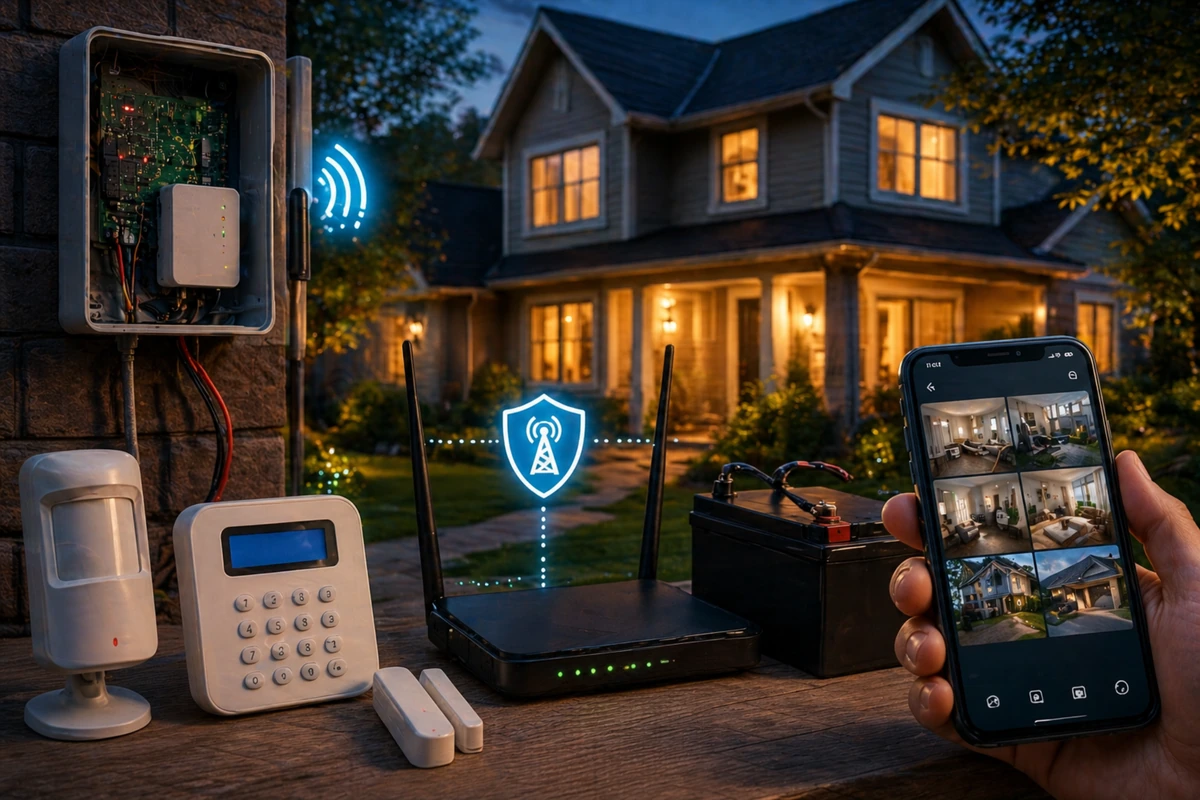
Let’s dive right into the meat of the subject: cellular backup alarm system technology is a secondary connection your system uses when your main internet goes down.
Instead of relying only on WiFi, your system switches to a cellular network, similar to how your phone sends data.
Pretty easy to understand, right?
And it’s also pretty useful, because it his means alerts, notifications, and monitoring still work even if your home internet is offline.
This matters more than people expect because internet outages aren’t rare – depending on where you live.
When they happen, a WiFi-only system cannot communicate with your phone or a monitoring service.
In practical terms, your system might still detect motion, but it won’t be able to tell anyone. This is a key factor when considering how reliable are wireless security systems in real-world emergencies.
| Scenario | Without Cellular Backup | With Cellular Backup |
| WiFi Outage | No alerts sent | Alerts still sent |
| Power Outage | No communication | System stays connected |
| Cable Tampering | System offline | Still operational |
When Your System Is Most Vulnerable
A DIY system that relies only on WiFi works fine most of the time. The problem is that security failures don’t happen during most of the time.
They happen when something breaks, disconnects, or gets intentionally disrupted.
Common weak points include provider outages, router failures, or physical tampering with cables.
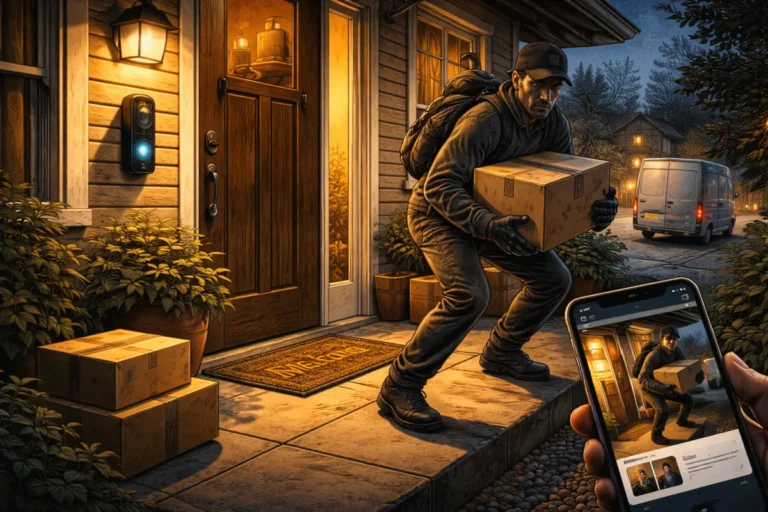
Cutting internet lines is a known tactic in some break-ins because it disables communication for an alarm system without internet connection.
Yes, this really happens, not just in movies!
Understanding these vulnerabilities is part of assessing your home like a burglar would to ensure you aren’t leaving digital backdoors open.
Do You Actually Need Cellular Backup?
Do you need cellular backup for home security?
The honest answer is: not everyone does, but more people benefit from it than they think. It depends entirely on your risk tolerance and local infrastructure.
You should strongly consider a security system with cellular backup if your internet is unstable, you travel often, or you live in a high-risk area.
I view it as a fundamental part of how to build redundancy into a DIY security setup.
The Cost Factor and Trade-offs
That said, the cost of cellular monitoring is usually where hesitation comes in. Most systems require a compatible base station and a monthly data plan to keep the cellular link active.
While it adds to the monthly bill, the benefits of cellular backup alarm systems usually outweigh the price of a single successful breach.
You are essentially paying for the peace of mind that your system is never silent.
Read Also: How much should you spend on home security
My personal view and life philosophy: The Power of Redundancy
If there is one principle in DIY security, it’s redundancy.
- Relying on a single connection point creates a single point of failure.
- A security system with cellular backup removes that weak spot.
A layered home security practical DIY framework thrives on multiple layers of protection.
Once you add cellular, an internet hiccup stops being a source of anxiety and becomes a minor background event.
So yeah, cellular backup is not the flashiest feature, but it might be the most important for true reliability. A DIY security system is only as strong as its ability to communicate.
If you are just starting out, you can upgrade your DIY system over time to include cellular.
But if your goal is a system that works when it actually matters (during an emergency) cellular backup is hard to ignore.
It turns your setup from a convenience tool into a professional-grade shield.