Using a VPN for Home Security Cameras: Is It Worth It?

Key Take-Aways
- A VPN adds an extra layer of protection for your home security cameras, but it is not always mandatory.
- VPNs are most useful if you access cameras remotely from public networks or want tighter control.
- For most DIY users, strong WiFi security and firmware updates matter more than adding a VPN.
A VPN (Virtual Private Network) is a piece of software I’d recommend anyone to use in this day and age.
It creates an encrypted tunnel between your device and your network or the internet, which means it hides your traffic and makes it harder for outsiders to intercept what is happening inside your home.
This has several strong advantages across the board, such as better privacy, more digital protection and the ability to digitally shift GEOs at a whim.
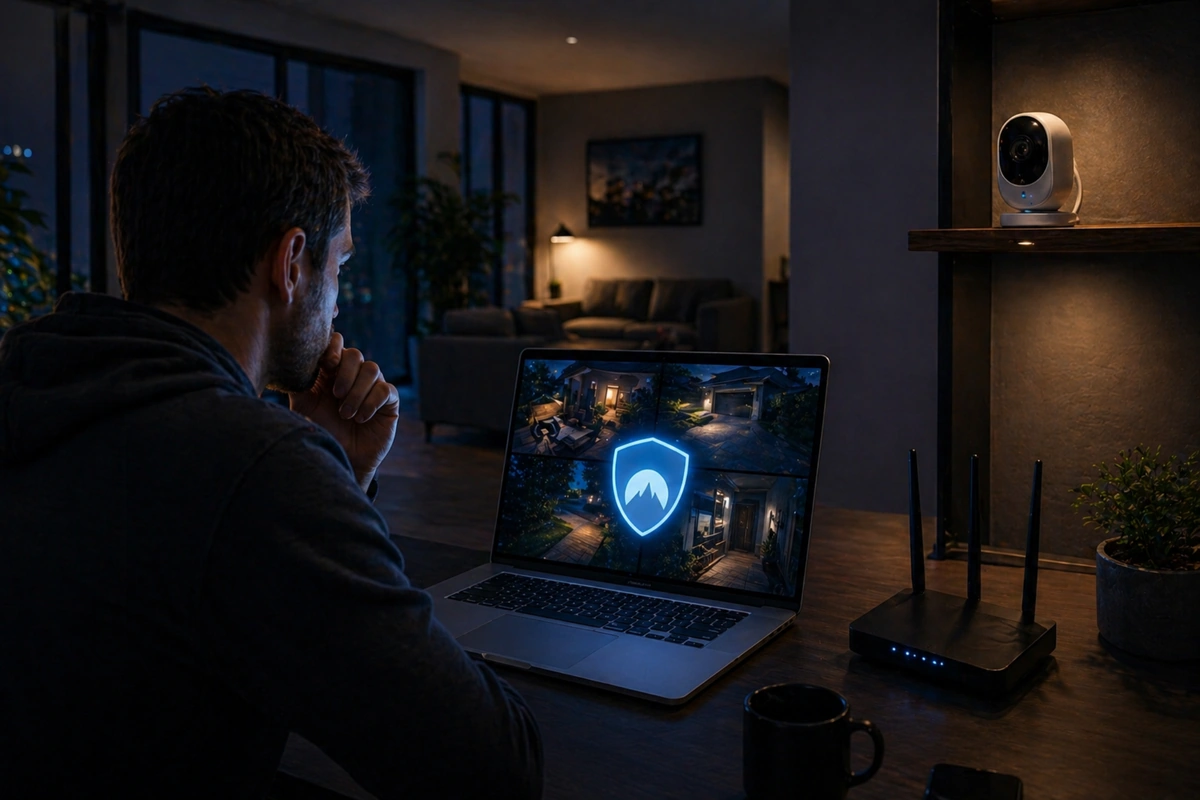
And if you’re looking to secure security cameras with VPN technology, this bascially means video streams are better protected from interception, and remote access is handled through a private connection.
If you’re looking for a quality VPN, this is the one I’d recommend:

When a VPN Actually Makes Sense
A VPN isn’t a must-have for every setup, but there are situations where it becomes genuinely useful for VPN remote access security cameras.
Also, a VPN is extremely useful apart from the security-camera-purpose, for example when you simply don’t want to be tracked online, or want to add another layer of digital protection.
You will get the most value if you travel often and access your feeds from public WiFi or if you are running a more advanced, self-hosted system.
In these cases, a VPN acts like a secure gate instead of leaving the door partially open. This is particularly relevant when assessing your home like a burglar would, because digital entry points are just as important as physical ones in the modern age.
The Direct Access Use Case
If you are using high-end IP cameras (like those from Hikvision or Dahua) that allow you to log in directly via an IP address, you are at a higher risk.
These devices often have vulnerabilities in their web interfaces. By using a VPN, you can close those ports to the public internet and only allow access once the VPN tunnel is established.
This is in my opinion a critical step in designing a home security system on a budget that doesn’t sacrifice professional-grade privacy.
How VPNs Fit Into a Typical DIY Setup
In my experience, there are two common ways people implement a VPN for security cameras: at the router level or at the device level.
Most DIY users lean toward device-level VPNs because they are much simpler to manage.
| Setup Type | Pros | Cons |
| Router VPN | Full network protection | Complex setup & troubleshooting |
| Device VPN | Easier to manage | Only protects the specific device |
| Dedicated Server | Maximum control | Requires hardware like a Raspberry Pi |
The Pros and Cons VPN for Surveillance
VPNs sound great on paper, and they really are, all things considered, but they are not free upgrades.
The biggest drawback is sometimes slower connection speeds. Security cameras rely on stable, fast connections to stream high-definition video.
A subpar VPN can introduce lag or buffering, which is frustrating when you are trying to view a live event.
Of course, this can be mitigated to a large extent by just getting a quality VPN, which emphasizes speed.
When you encrypt camera feed VPN data, you’re adding overhead to every packet of data sent. If your upload speed at home is already limited, this extra layer can make your 4K stream look like a 480p slideshow.
Additionally, some camera apps might have compatibility issues when a VPN is active, leading to common DIY home security failures like missed notifications or failed connections.
Quick Checklist: Should I Use VPN for Home Cameras?
If you are unsure, this quick checklist helps cut through the noise.
You probably want a VPN if:
- You access your cameras from public WiFi (cafes, airports) regularly.
- You want to encrypt camera feed VPN data beyond what the manufacturer provides.
- You use cameras that allow direct IP access rather than a secure, proprietary cloud app.
- You are looking into best DIY security setups for apartments where you share a building network.
- You want to use the software for other purposes as well, such as general digital security and privacy.
You can probably skip it if:
- You only use official, well-maintained apps with built-in end-to-end encryption.
- You stay within your home network most of the time.
- You prefer a low-maintenance, minimalist home security setup.
Protecting Against Cloud Vulnerabilities
While a VPN protects the transmission of your data, it doesn’t protect the data once it reaches a manufacturer’s cloud server.
There’s not much you can do about that, which is why many privacy-conscious users move toward local storage, as opposed to cloud storage.
If you use local storage and a VPN, your video never even touches the public internet, which is the gold standard for privacy in VPN remote access security cameras.
You’re not “off the grid”, but you’re definitely much better protected.
Troubleshooting Common VPN Conflicts
Sometimes, when you secure security cameras with VPN connections, your notifications might stop working.
This happens because the camera can’t phone home to the manufacturer’s alert server through the tunnel.
To fix this, you may need to use Split Tunneling. This allows the camera to send basic alerts through your regular internet while keeping the heavy video stream inside the encrypted VPN.
Final Thoughts
In summation, using a VPN for security cameras sits in the “nice to have, not always needed” category for the average user – if we’re only looking at the angle of home security cameras.
If your system is already set up properly with the basics, you’re covering 90% of the risks.
Where it really shines is VPN remote access security cameras. If you’re frequently checking your feeds from outside your home or want to DIY home security for renters on a shared WiFi, the added protection makes sense.
And of course, a VPN has much broader uses than just your cameras – you protect your whole internet traffic from hackers and anyone wanting to check what you’re doing online.
I’ve been using a VPN daily for many years now, and I can’t promote it enough.
I think it’s madness to not encrypt your internet connections these days, especially because you get this digital protection and privacy for just a few USD/euro per month.
If you’re looking for a quality VPN, this is the one I’d recommend: