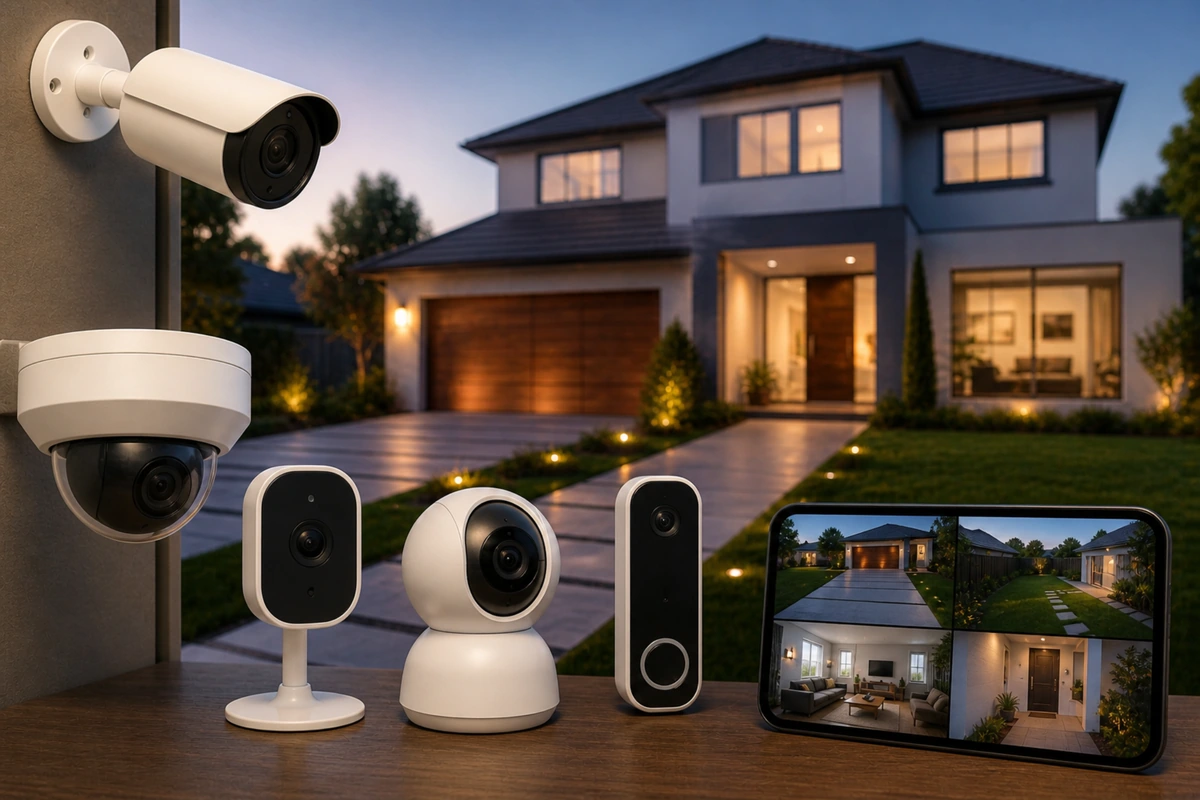
📸Home Security Cameras Explained: Types, Features, and Use Cases

TLDR
- Home security cameras fall into key categories: wired, wireless, battery-powered, doorbell, and PoE systems.
- Resolution, field of view, night vision, and motion detection are core features that directly affect performance.
- Local storage and cloud storage each have clear pros and trade-offs.
- Proper placement matters more than simply adding more cameras.
- Securing your network and enabling strong authentication is essential for protecting camera feeds.
Security cameras are often the first upgrade people make when they want better visibility around their home. Being able to open an app and see what is happening at your front door or in your driveway brings a different level of awareness.
However, not all hardware is built the same. The types of home security cameras explained on product pages often omit the practical realities of daily use.
If you are starting your DIY security journey, choosing between different home security cameras types is a foundational step. The goal is to move from “seeing things” to having a reliable record of events that integrates into a larger layered home security framework.
Here is a clear breakdown of how modern systems work and what you actually need for your space.
📹 The Main Types of Home Security Cameras Explained
Let’s start with the structure. Most residential cameras fall into a few broad categories based on how they receive power and transmit data. Understanding the wired vs wireless cameras pros and cons is essential before you start drilling holes in your walls.
Wired and PoE Systems
Wired cameras connect directly to power and a recording device through coaxial or Ethernet cables. Power over Ethernet (PoE) is a specialized version that delivers both power and data through a single cable.
These are known for high reliability because they are physically connected and less dependent on Wi-Fi stability. They are the best security cameras explained for those who want a “set it and forget it” permanent installation.
Wireless and Battery-Powered Models
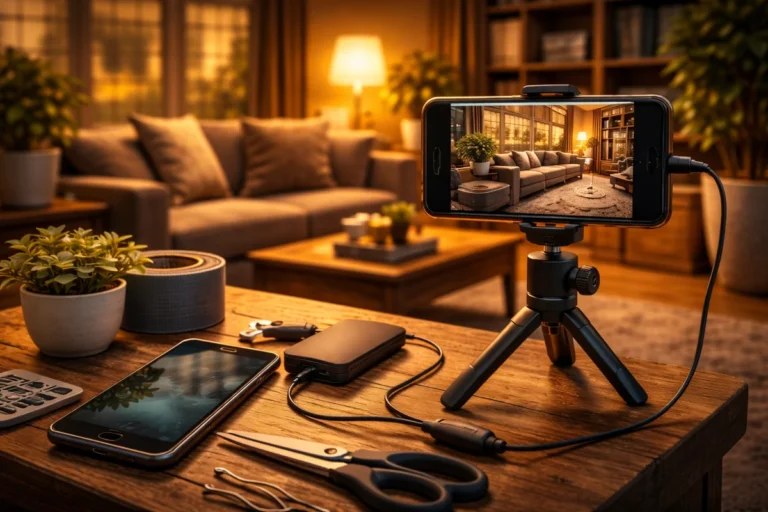
Wireless Wi-Fi cameras connect to your network but typically still need to plug into a nearby outlet. They are popular for DIY setups because they are straightforward to install. Fully battery-powered cameras take this a step further by requiring no wires at all, making them the best diy home security cameras for apartments or rental properties where you cannot modify the building.
| Camera Type | Connection | Power Source | Best Use Case |
| Wired / PoE | Ethernet Cable | Wired | Permanent homes, high reliability |
| Wireless Wi-Fi | Wi-Fi Signal | Wall Outlet | General DIY use, easy setup |
| Battery-Powered | Wi-Fi Signal | Rechargeable Cell | Renters, hard-to-reach areas |
| Video Doorbell | Wi-Fi Signal | Wired or Battery | Front door monitoring, deliveries |
🛠️ Security Camera Features That Actually Matter
Marketing tends to emphasize high-resolution numbers, but a handful of core features determine how the camera performs when you actually need to assess your home like a burglar would. When considering what to look for in security cameras, prioritize the following:
Resolution and Field of View
Common resolutions include 1080p, 2K, and 4K. While 4K provides clearer facial details when zooming, it also requires more bandwidth and storage. A balanced wide-angle field of view typically provides full doorway coverage without excessive distortion at the edges.
If your camera is too narrow, you might miss how home burglaries actually happen if the intruder approaches from the side.
Night Vision and Motion Detection
Most cameras use infrared LEDs for black and white night vision, but some weatherproof models offer color night vision using spotlights. Advanced motion detection is equally important; you want a system that can distinguish between a human and a stray cat to avoid common DIY security failures like notification fatigue.
Two-Way Audio
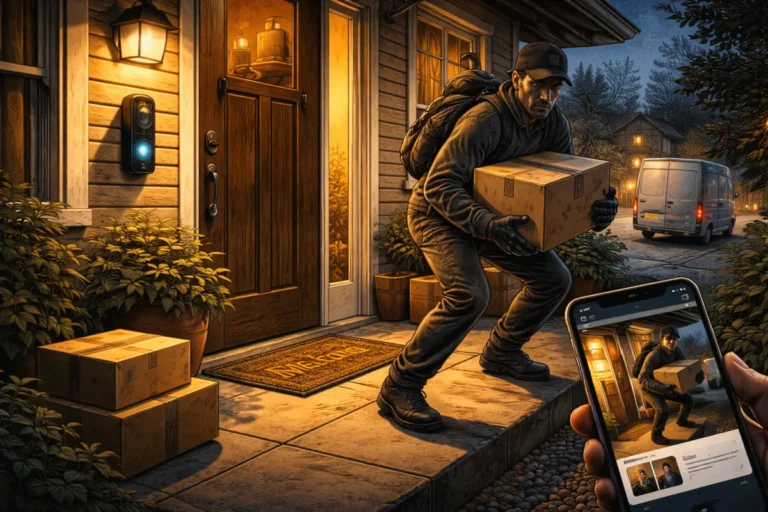
This allows you to speak to delivery drivers or prevent package theft. It is a convenience feature that adds a psychological layer to your defense, making it clear to anyone on your porch that they are being watched.
💾 Storage Options: Local vs Cloud
Every camera needs a way to store footage, and this is where many budget alarm systems differ.
Local Storage Pros and Cons
Local storage typically uses microSD cards or a dedicated hub. The footage remains on-site, which reduces reliance on monthly subscription fees. However, if the camera is stolen, your evidence might go with it. It is a great way to keep your data private.
Cloud Storage Considerations
Cloud storage protects footage by uploading it to remote servers instantly. It allows for remote access from anywhere but often requires a stable internet connection and recurring costs. For many, a hybrid approach is best: local recording for 24/7 coverage and cloud clips for motion events.
🏠 Indoor vs Outdoor Security Cameras
Camera selection must match the environment. Indoor vs outdoor security cameras have different design priorities that affect their longevity and effectiveness.
Outdoor Durability
Outdoor cameras must be weather-resistant. Look for IP ratings that indicate protection against dust and water. They also need to handle glare and extreme temperature shifts. Proper placement for maximum coverage is essential outdoors to avoid common security mistakes like placing a camera where it can be easily reached and disabled.
Indoor Privacy
Indoor cameras focus on hallways or main living areas. Privacy is the biggest concern here. I personally recommend limiting indoor cameras to high-traffic areas and using motion sensors vs contact sensors for bedrooms. Many indoor models now include physical lens covers to ensure your minimalist security setup doesn’t record you when you are at home.
📡 Network and Account Security
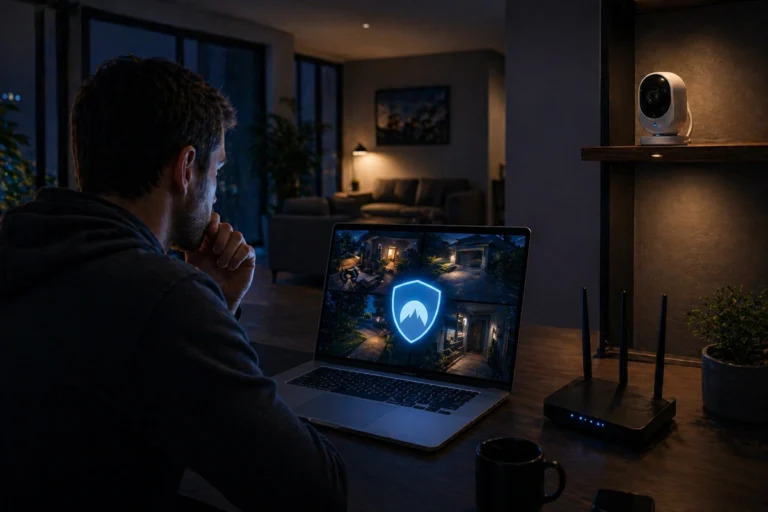
A camera is only as secure as the network it runs on. Connected devices can become targets if left unsecured. You must optimize your Wi-Fi by using current encryption standards and strong passwords.
Always change default credentials immediately. Furthermore, enabling two factor authentication adds a critical layer of protection to your account. This prevents unauthorized users from accessing your feeds, which is a major threat most people ignore.
🧠 Placement Strategy: Quality Over Quantity
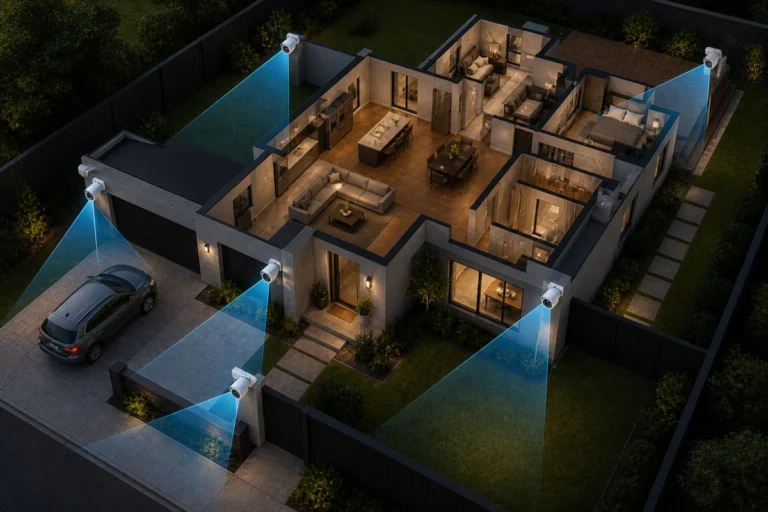
Adding more cameras does not automatically improve security. Instead, focus on identifying entry points that actually matter. Front doors, back doors, and garages are the most logical starting points.
Mount cameras high enough to reduce tampering but angled to capture faces clearly. Before you drill permanent mounts, test the angles using temporary placement. It saves a lot of frustration.
If you are designing a system on a budget, two well-placed cameras are far more effective than four poorly positioned ones.
| Target Zone | Purpose | Recommended Feature |
| Front Door | Delivery monitoring / Visitors | Two-way audio / Doorbell |
| Backyard | Perimeter awareness | Floodlight integration |
| Garage | High-value assets | High resolution / Local storage |
| Main Hallway | Interior movement | Privacy shutter / Wide angle |
🔐 Integrating Cameras Into a Layered System
Cameras are powerful tools, but they do not physically stop entry. They provide visibility and documentation. To get the most out of your hardware, pair them with reinforced doors and smart lighting to simulate occupancy.
If you have fail-safe planning for power outages, your cameras can stay online even when the grid goes down. This redundancy is what separates a collection of gadgets from a professional grade DIY security setup.
Don’t forget to test your system regularly to ensure your security camera features are still functioning as expected.
🧾 Conclusion
Home security cameras are essential tools when used intentionally. Understanding the types of home security cameras explained above, from wired to battery powered, helps you find the right fit for your property.
By focusing on essential security camera features like resolution and night vision while maintaining strong network security, you create a system that truly protects your sanctuary.
You do not need the most expensive hardware on the market. You need the right home security cameras types, installed thoughtfully, and integrated into a broader plan that reflects how you actually live.
Stay proactive, keep your firmware updated, and use your cameras as a powerful layer in your home defense strategy.