💡How to Use Smart Lighting to Simulate Occupancy

TLDR
- Smart lighting can create realistic “someone’s home” signals, which helps reduce your home’s appeal as an easy target. 🏠
- Static lighting (one light left on all night) is easy to spot and often ineffective. 📉
- The key is variability: different rooms, different times, and slightly unpredictable patterns. 🔄
- Smart bulbs, plugs, and automation routines make this easy without daily effort. ⚙️
- Lighting works best as part of a layered home security practical DIY framework. ✅
There’s a simple truth behind a lot of break-ins: most of them rely on opportunity. If a home looks empty, quiet, and predictable, it becomes a much easier target.
That’s where smart lighting security comes in. Done right, it gives your home a subtle but important advantage. It doesn’t turn your house into a fortress, but it makes it feel lived-in, active, and just a little bit unpredictable. This is a core component of DIY home security where to start for many beginners.
🏘️ Why Simulating Occupancy Actually Matters
Burglars tend to avoid occupied homes. It’s riskier, less predictable, and more likely to lead to confrontation or detection. This is a core concept when assessing your home like a burglar would.
Research on crime patterns and burglary deterrence consistently shows that perceived risk plays a major role in decision-making. Lighting plays into that perception because it suggests presence, but that signal only works if it looks believable.
⚠️ The Problem With “Set It and Forget It” Lighting
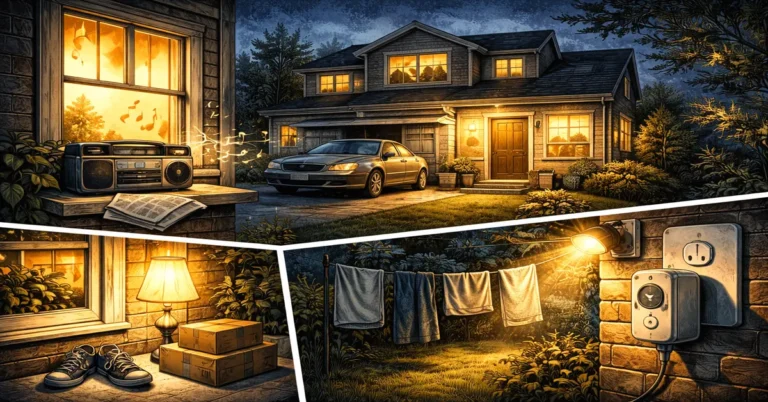
A lot of people start with basic timers. You set a lamp to turn on at 7 PM and off at 11 PM, and that’s it. It’s better than nothing, but it’s also highly predictable. Over time, patterns like that become obvious to anyone watching for home security threats most people ignore.
Even worse, simulate occupancy lights that stay on all night can have the opposite effect. It can signal that no one is there to turn them off. It is much more effective to automate lights for home security using dynamic schedules.
🛋️ What Real Occupancy Actually Looks Like
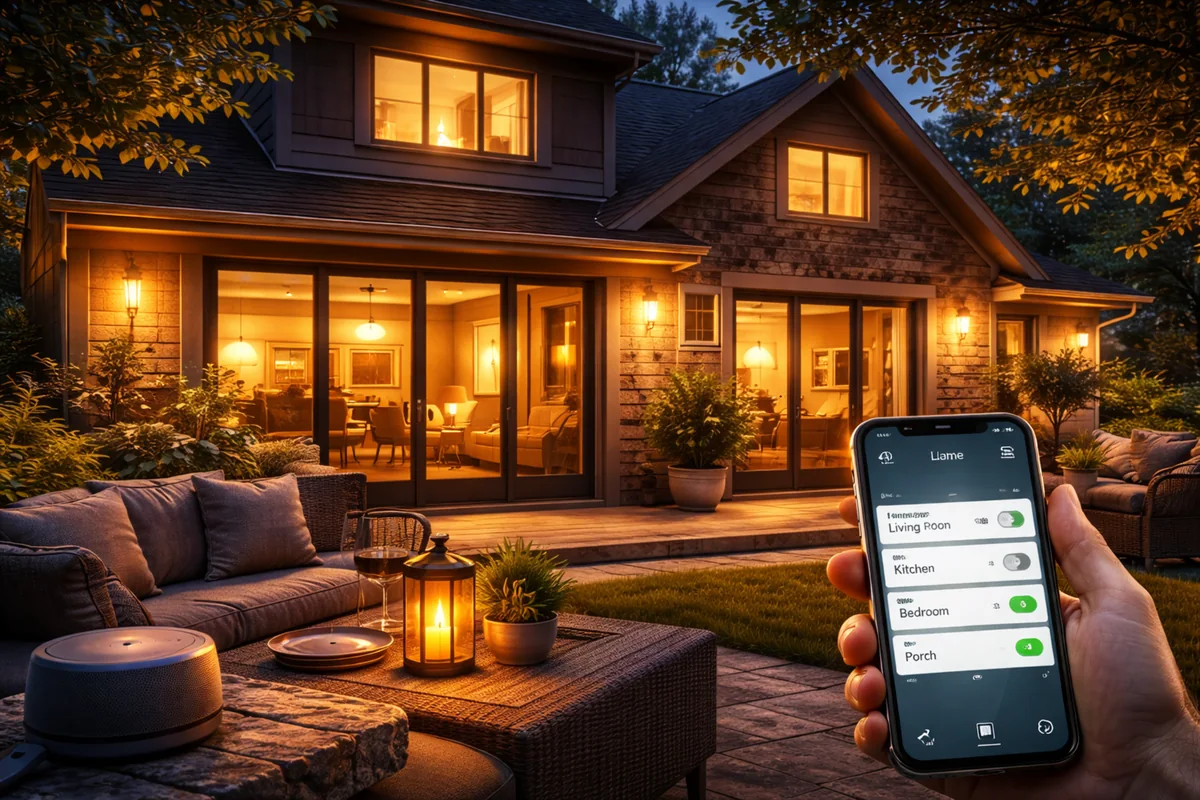
Think about how you use lights when you’re home. You don’t turn on every light in the house at once. You move between rooms. Lights come on and off in different areas. Some stay on longer, others only briefly.
That’s what you’re trying to replicate. Not perfection, just something that feels natural. This is often the best way to make house look occupied with lights without overcomplicating your lifestyle.
⚙️ The Core Tools You’ll Need
You don’t need a complicated system to do this well. A few basic components are enough for a solid smart bulbs security setup.
- Smart Bulbs: Flexible options for brightness and color.
- Smart Plugs: Great for existing floor lamps or TVs.
- Hub/App: The brain that handles the timing and logic.
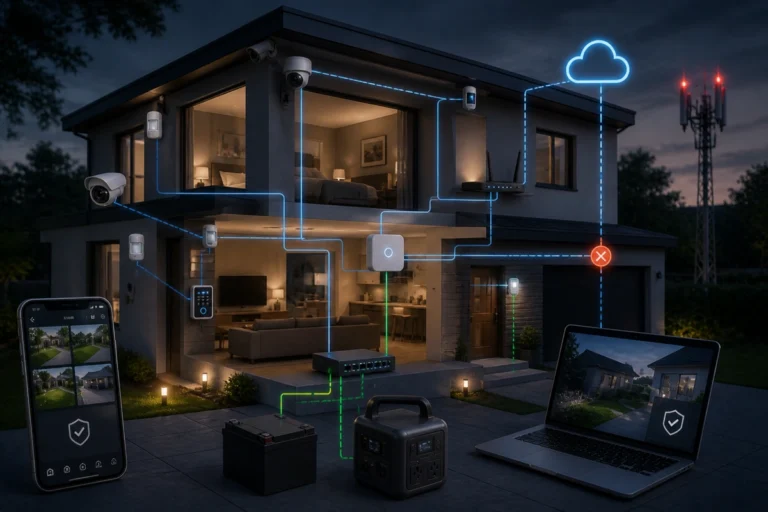
Having a backup power solution for home security systems can also ensure your hub stays online if the grid flickers while you’re away.
🔄 Use Schedules, But Add Variation
When you schedule lights when on vacation, start with a rough routine that matches your life. Then, break the pattern. Instead of exact times, use ranges. Many smart systems let you add “Randomize” offsets.
Even a 15-minute variation makes the behavior feel more human. This is a great way to avoid common DIY home security failures like robotic, obvious timers.
💡 Expert Tip: If your app doesn’t have a “Vacation Mode,” set three different schedules for the same bulb and toggle them throughout the week to stay unpredictable.
🚫 Don’t Light Everything at Once
This is a common mistake. People turn on multiple lights across the house at the same time, thinking it makes the home look more active. In reality, it looks artificial. Focus on one or two areas at a time. This is a practical tip for designing a home security system on a budget.
🏠 Use Multiple Rooms, Not Just One
If all activity happens in a single room, it’s easy to spot. Spread your lighting across a few key areas like the living room, kitchen, and a bedroom. This is particularly helpful for the best diy security setups for apartments where windows are your primary visibility points to the street.
🕒 Timing Matters More Than You Think
Try to align your lighting with realistic daily schedules. If your lights are active at 2 AM every night, it can feel off. Most homes wind down by midnight.
You’re not trying to fool someone watching closely for hours. You’re creating a quick impression that feels right at a glance. Understanding how home burglaries actually happen helps you realize that burglars are looking for quick, obvious signs of an empty house.
🛡️ Pair Lighting With Other Signals
A light turning on is helpful, but it works better when paired with other layers. Consider where to place security cameras for maximum coverage or using motion-activated floodlights outside.
Analysis on interior lighting as a deterrent highlights that while interior lights help, they are most effective when part of a broader strategy that includes external visibility.
🛑 What Smart Lighting Can’t Do
Smart lighting doesn’t physically stop someone from entering your home. It doesn’t replace high-quality smart locks vs traditional locks.
It won’t fool a determined intruder who has been watching the home for days, but that is rarely the case for most residential crimes.
🏁 Conclusion: A Simple Setup That Works
If you want a straightforward approach to how to use smart lights when away, set one main living area light to turn on in the early evening with slight variation. Add a second light in a bedroom that activates later.
Keep it simple, keep it believable, and let the system do the quiet work in the background. It’s one of the easiest ways to upgrade a DIY system over time while adding significant psychological deterrent value.
By focusing on realism, you address what makes a home easy to break into by removing the “unoccupied” label.