DIY Home Security: Where to Start?

Key Take-Aways:
- Effective, practical DIY home security should be built on a Layered Defense strategy: physical barriers, visibility, detection, and network hardening.
- Start with a 15-minute Risk Check to identify low-hanging fruit like unlocked windows or dark entry points.
- Sturdy physical locks and long-screw strike plates are the most cost-effective easy wins for stopping intruders.
- Modern DIY systems offer flexibility between self-monitoring and professional services, allowing you to scale as needed. For most people, self-monitoring is fine.
- Securing your digital footprint is just as important as locking your front door; your Wi-Fi and VPN are the backbone of your digital security.
You want your home to feel safe without being a complicated hassle, right? That’s the core philosophy behind Modern Home Defense: practical, layered security that you can install and maintain yourself.
If you’re tired of complicated security setups, offered by firms who always try to upsell you by invoking fear, and want to just do it yourself, you’re in the right place.
Building a security system isn’t about buying the most expensive camera package on the market, far from it.
It’s about creating an environment that is difficult, loud, and risky to access for anyone who shouldn’t be there. Your castle should have battlements, a drawbridge and a moat, so to speak.
In this guide, I’ll walk you through a clear, step-by-step approach that prioritizes high-impact, low-cost moves first, and then I’ll show you how to scale up sensibly.
Step 1: Perform a Quick, Honest Risk Check
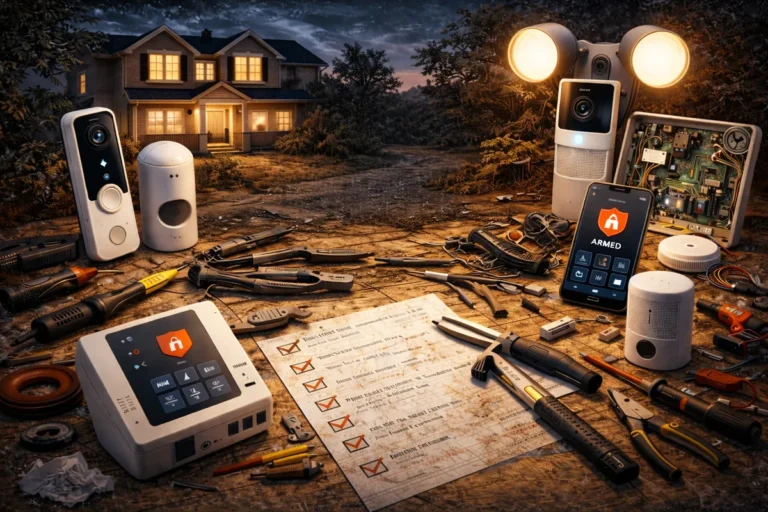
Before buying expensive cameras, sensors and the like, or signing up for unnecessary 24/7 monitoring, take a walk around your property, both outside and inside.
The goal: you need to view your home through the eyes of someone looking for an opportunity.
What to look for during your audit:
- Blind Spots: Overgrown shrubs, fences or other cover that allow someone to work on a door or window without being seen from the street.
- Low-Hanging Fruit: Often unlocked or easily by-passed back doors or gates, windows with broken latches, or sliding doors that can be lifted out of their tracks.
- Lighting Gaps: Dark corners around the side of the house where someone could hide.
- The Vacant Look: Mail piling up or packages left on the porch for days.
Make a short list of these weak spots. This inventory tells you exactly where your first $50 should go.
In many cases, assessing your home like a burglar would is the most valuable security task you can perform, and it’s a task you should do regularly, especially if you have something worth protecting.
Step 2: Lock Down the Easy Wins First
Locks are the foundation of everything else. If your physical barriers are weak, a $500 camera is just a device that records someone walking into your house and shitting on your carpet.
Support standard key-in-the-knob locks with solid deadbolts on every exterior door. They’re such as easy win – they cost almost nothing, are easy to install yourself and, when done right, are very hard to break.
To make them truly effective, ensure the strike plate is secured with 3-inch (10 centimeter) screws that reach all the way into the door framing. Most stock screws are only 3/4 of an inch, so one solid kick will rip them right out of the wood. The 3-inch variation, not so much.
Other Essential Physical Fixes:
- Sliding Doors: Use a hefty rod or a dedicated track lock. These doors are notoriously easy to pop open from the outside without a secondary lock. You don’t need to get fancy here, a strategically placed piece of solid wood can make a world of difference.
- Window Security: If you have older windows, secondary pin locks or even simple wooden dowels in the tracks can prevent them from being forced. My personal favorite are roller shutters – they’re pretty heavy, sturdy, can be operated at will from the inside, and also provide an effective way to darken your bedroom.
- Garage Entry: The door between your garage and your house should be treated like an exterior door. It needs a deadbolt and a reinforced frame. Don’t overlook this, because the garage is very often one of the first points of entry burglars go for.
These aren’t glamorous fixes, but they stop the majority of common, low-effort break-ins before they even start, and you can get them sorted yourself at a modest budget.
Step 3: Lighting and Visibility
Evil thrives in the dark, but always yields to purifying light… in other words, proper lighting is the enemy of an intruder.
Criminals don’t like to be seen, so motion-activated exterior lights and smart landscaping change the risk calculus for a burglar. If they are visible from the street to anyone with a smartphone, they are much less likely to stick around to steal your stuff.
Illuminating entries, walkways, and potential hiding spots increases the chance of being seen by neighbors or passersby.
If you travel or work long hours, put a few interior lights on smart timers so the home looks occupied. It’s an old trick, but it remains highly effective. The goal is to look as unappealing as possible to scumbags.
If you’re living in a more confined space, check out my guide on the best DIY security setups for apartments to see how to handle lighting and visibility without violating a lease.
Step 4: Choose Cameras and Alarms That Fit Your Life
Once your physical locks and lights are in place, your basics are covered. Want to take it a step further? Then it’s time to move into detection.
You need to decide what you want your tech to do. Are you looking for a deterrent, or do you want evidence after the fact?
The Three Main Approaches:
- Self-Monitored Systems: You get alerts on your phone and decide whether to call the police (or private security to handle this in a more…personal manner). These are the most budget-friendly. Consumer Reports notes that modern DIY brands have significantly closed the gap in reliability compared to legacy pro systems.
- Cloud-Based with Subscriptions: These offer features like person detection (ignoring your hamsters) and cloud backup. This is crucial if a thief decides to steal the camera itself.
- Professional Monitoring: A central service monitors your home 24/7. It costs quite a bit more per month but ensures someone is watching even when your phone is on Do Not Disturb.
If you are trying to decide which route is right for you, comparing DIY home security vs professional monitoring is your next logical step.
Don’t Forget Sensors
Cameras are great, but door and window sensors can be integral parts of any DIY system. They are inexpensive, the batteries last for years, and they trigger an immediate alarm the moment a perimeter is breached.
A loud local siren is more effective at scaring off a burglar than a silent camera recording. It can also freak the fuck out of your spouse, which is always funny.
Step 5: Lock Down the Network That Runs Your Devices
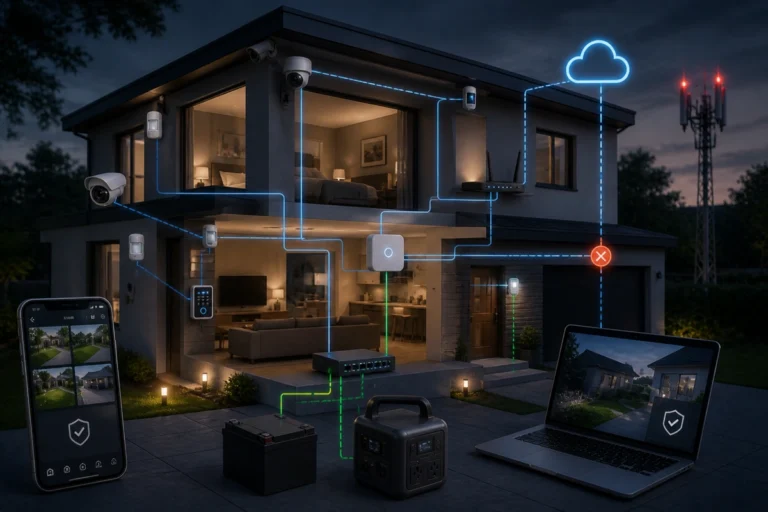
Your smart cameras, sensors, and doorbells all ride on your home Wi-Fi. If your network is weak, your security is an open door. Securing the digital side of your home is just as critical as the physical side, because any two bit hacker can easily bypass most common Wi-Fi networks.
Network Hardening Basics:
- Change Defaults: Never use the admin password that came with your router or cameras.
- Segment Your Network: Put your IoT devices (cameras, smart lights) on a separate Guest network. This prevents a hacked camera from giving someone access to your laptop or banking info.
- Enable WPA3/WPA2: Use the strongest encryption your devices support.
- Firmware Updates: Set your devices to auto-update. Many updates are security patches that fix known vulnerabilities.
These steps follow standard CISA cybersecurity guidance and are the best way to ensure your security system isn’t being used against you.
Step 6: Power, Storage, and Redundancy
A security system is often useless if the power goes out. If you live in an area with an unstable grid, look into backup power solutions for home security systems.
A simple Uninterruptible Power Supply (UPS) for your router and security hub ensures your system stays online during a storm or a deliberate power cut.
Regarding storage, you have to choose between Local (SD cards) and Cloud (Subscription).
- Local storage keeps your data in your hands and has no monthly fees, but if the camera is stolen, the footage goes with it.
- Cloud storage is safer for evidence but adds to your monthly overhead.
Step 7: Privacy and Legal Basics
Recording video unfortunately comes with responsibilities, even in your own home. Generally, you have a right to record your own property, but you should never point cameras into areas where people have a reasonable expectation of privacy, like a neighbor’s window or a bathroom.
Unless the neighbor is hot, then you have a moral obligation to put it at max zoom in, of course.
If you use cameras that record audio, check your local laws. Some jurisdictions require all-party consent for audio recording, which is why many DIYers choose to keep audio disabled. When in doubt, post a visible sign stating that security cameras are in use.
Practical Installation Tips
- Height Matters: Mount cameras 8 to 10 feet high whenever possible. This is high enough to be out of reach but low enough to get a clear look at faces.
- Angle the Doorbell: Face your doorbell camera slightly downward. You want to see the porch floor to track packages, not just the tops of people’s heads.
- Test Your Sensors: After installing door sensors, walk around and trigger them. Make sure the siren is loud enough to be heard by neighbors but doesn’t trigger false alarms every time the wind blows.
Budget-Friendly Roadmap: Where to Start
If you are building a DIY-security system from scratch and need to manage your cash flow, I’d recommend you follow this order. It balances cost against immediate protection:
- The Physical Foundation: 3-inch screws in strike plates and rod locks for sliding doors.
- Exterior Lighting: Motion lights for the front and back entries.
- The Entry Point: A video doorbell and a basic door sensor for the main entrance.
- The Perimeter: Window sensors and a local siren (either the mechanical sort or the nosy grandma next door).
- The Network: Secure your Wi-Fi and segment your IoT devices.
- Advanced Options: Add professional monitoring or backup power once the basics are covered.
For a deeper dive into the numbers, read my analysis of how much should you spend on home security.
Final Thought: Layered beats Flashy
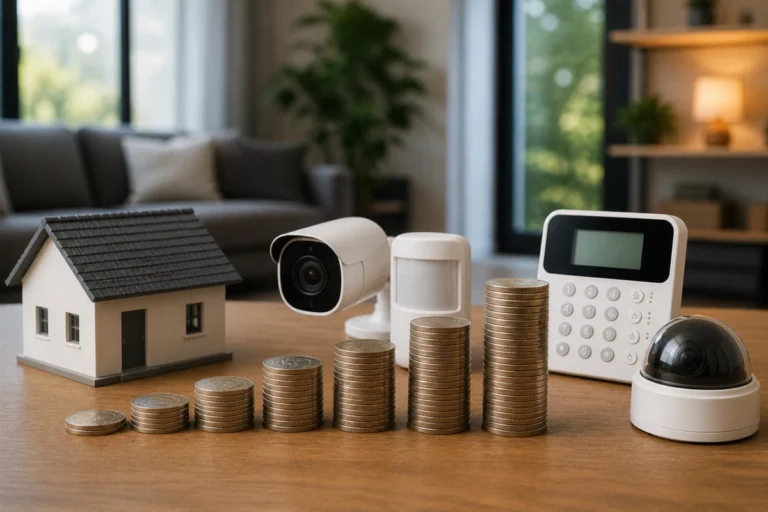
You don’t need a $2,000 system to have a secure home. A few deliberate moves, proper locks, better lighting, and a secured network deliver 90% of the benefit.
The key is Layered Defense.
- If one layer fails (e.g., they get past the motion light), the next layer (the deadbolt) stops them.
- If they get past the deadbolt, the next layer (the siren) scares them off.
Security that is simple and reliable is the only security you will actually maintain. Start with the basics today, and expand your DI Home Security Setup only when you see a real gap.