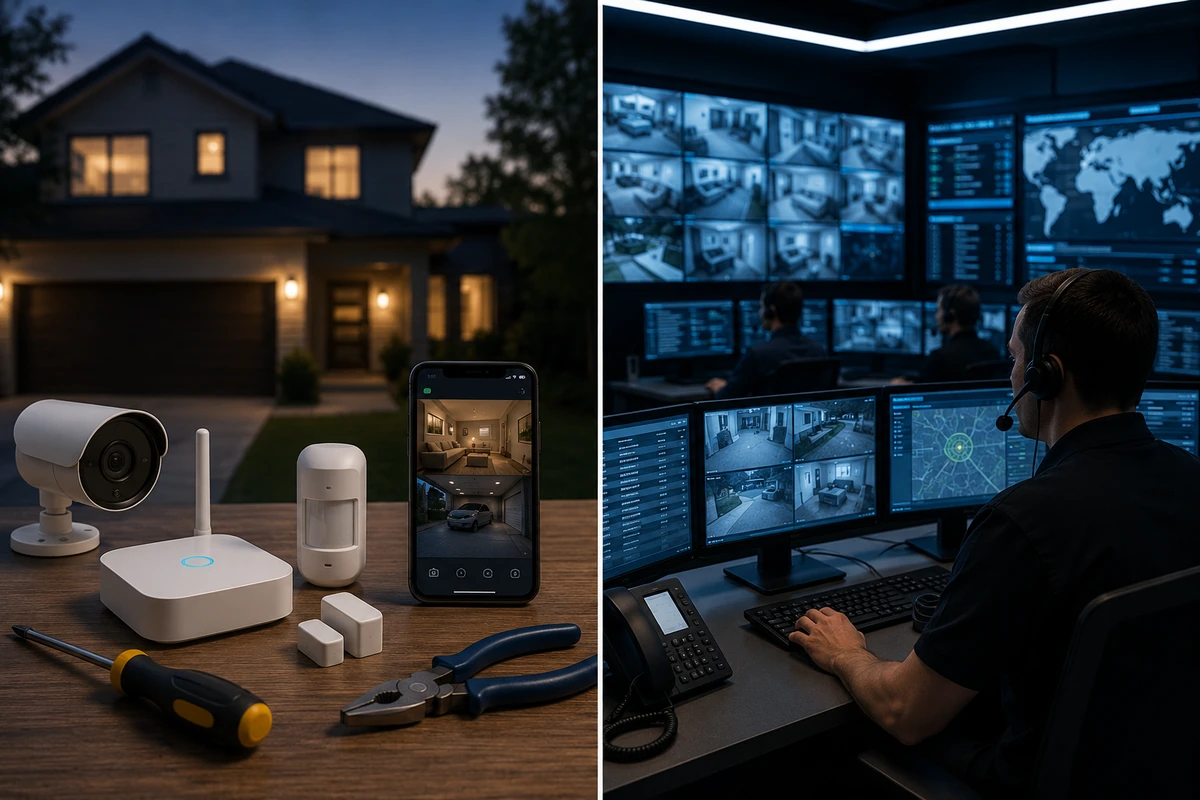
⚖️ DIY Home Security vs Professional Monitoring

TLDR
- Self-installed networks lower upfront hurdles and scrap ongoing contract obligations while keeping full system control in your hands.
- Enterprise monitoring grids introduce continuous live verification loops backed by direct emergency personnel dispatch capabilities.
- Relying purely on mobile alerts shifts the entire burden of threat verification onto the property owner’s personal availability.
- Flexible hybrid platforms enable seamless shifting between standalone operation and external supervisory support tiers.
- Landing on the right defensive choice requires balancing personal daily availability against your long-term operational budget.
When you begin evaluating the residential protection landscape, you will quickly notice that the paths fork into two distinct strategies.
You can either purchase hardware to run an independent network that you manage yourself, or buy into a monthly commercial agreement to let an external center track your property around the clock.
On paper, it looks like a dead-simple financial debate where one route saves cash and the alternate choice promises better sleep.
Once you begin analyzing the daily realities of property defense, it becomes clear that both paradigms have massive operational advantages.
The ultimate path for your home relies less on the specific brand of sensors you install, and far more on your daily schedule, habits, and physical location.
Let’s dissect the differences between a standalone DIY alarm vs monitored system comparison so you can configure a setup that works for your life.
🛠️ Decoding the Reality of a Self-Monitored Plan
Opting for a completely independent infrastructure means taking full personal responsibility for your residential data grid.
You handle the initial physical deployment, tie the components to your local network, and process all system alerts using a dedicated smartphone application.
Every single magnetic door toggle, camera sensor, and loud internal siren routes data straight to your personal mobile device.
When a sensor trips unexpectedly during the afternoon, your phone acts as the primary command center.
From there, you have to verify the data, review your camera lenses, and decide whether to drop what you are doing to contact emergency services.
The actual physical installation of these modern consumer products is incredibly simple for anyone to manage.
The vast majority of baseline components utilize double-sided adhesive and simple pairing buttons, allowing you to secure an entire property in less than an hour without drilling.
Essential Security Priority Checklist
- Secure your front door with a heavy-duty contact sensor before mapping secondary entries.
- Place your central gateway in a elevated, central location to maximize your indoor signal.
- Test your primary mobile push notifications from outside your local wireless network.
- Review a baseline diy home security where to start map to identify high-vulnerability ground-floor windows.
🏢 How Professional Monitoring Services Operate
Introducing commercial oversight changes the communication pattern of your residential network completely.
Instead of routing critical alarm data exclusively to your personal mobile app, your central internet gateway duplicates the outgoing signal and forwards it to an external monitoring facility.
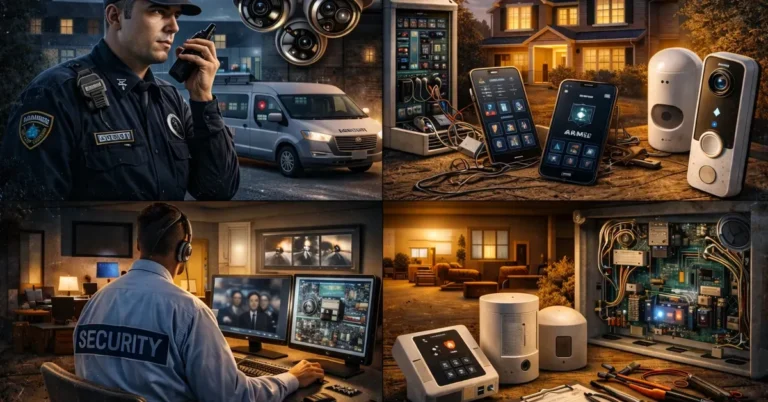
These centralized stations are staffed by trained security personnel who monitor incoming panic signals all day and night.
The moment a sensor trips, an operator launches a strict verification process to confirm if the incident is an actual emergency.
This usually involves calling your primary phone line or checking live camera feeds to ensure a crime is actually in progress.
If the operator cannot reach you and the system data indicates an active breach, they will bypass you completely and patch directly into local emergency dispatch networks.
This oversight layer functions continuously behind the scenes, protecting your property when you are out of cell service, fast asleep, or unable to look at your phone.
Strategic Comparison Guide
To discover the core technical infrastructure that differentiates these two communication paths, explore our detailed breakdown comparing professional vs diy home security systems.
💰 Evaluating the True Long-Term Cost Differences
For a massive percentage of property owners, financial metrics serve as the ultimate deciding factor when choosing between DIY vs professional monitoring setups.
A standalone system features a transparent, flat-rate financial model. You buy the sensors, configure the hub, and walk away without facing recurring monthly invoices.
Introducing a commercial monitoring team turns your security system into a continuous service contract.
The standard cost of monitoring services varies quite a bit, generally running from twenty dollars to over sixty dollars every month depending on features.
While those bills might seem minor initially, the compounding cost of monitoring services over several years represents a major investment.
If you are protecting a property on a very strict budget, keeping things self-monitored is the most accessible choice.
For others, paying a continuous premium feels completely justified because it ensures professional eyes are always watching over their assets.
Expert Security Tip
Run a 3-Year Financial Audit: When calculating the real budget impact of your hardware, always multiply the monthly cost of monitoring services by 36 months and add it to the initial equipment cost. Checking a breakdown on how much should you spend on home security will help you find the sweet spot between upfront gear costs and ongoing protection fees.
⏳ Response Discrepancies and Personal Availability
The fundamental operational divide in a self monitored vs monitored security system comparison boils down to availability during a crisis.
If a break-in occurs while you are mid-flight, stuck in a deep basement meeting, or sleeping soundly, a dedicated commercial team will still process the alarm and dispatch help.
A standalone network depends entirely on your immediate physical availability to read and handle incoming push notifications.
This does not mean a self-managed strategy is inherently flawed, as most people keep their phones close by and receive alerts instantly.
However, life presents regular situations where you are separated from your data connection or unable to look at your screen.
Commercial oversight exists specifically to bridge that communication gap, guaranteeing a live person reacts to an alarm even when you are completely unreachable.
Real-World Threat Realities
To review a complete look at what independent wireless networks can handle on their own when you are away from your mobile device, browse our deep dive into what diy home security actually protects against.
📈 System Control and Long-Term Contract Flexibility
Running an independent network puts absolute control over your digital security environment directly into your hands.
You determine the rules for every smart routine, control how alerts display, and retain the freedom to expand or alter your hardware at any time.
This complete independence from external corporate rules is a major reason property owners choose standalone gear.
Commercial services can introduce rigid structural barriers that limit your personal flexibility.
Certain legacy brands require multi-year contracts, collect early cancellation penalties, or lock basic features behind expensive service tiers.
Fortunately, consumer demand has forced the industry to evolve, and many modern brands now offer flexible, contract-free monitoring options.
Operational Freedom Benefits
- Zero Contract Commits: Drop or upgrade your subscription tier instantly without paying painful cancellation fees.
- Custom Sensor Tuning: Define exactly which entry pathways trigger loud audible sirens versus silent text pings.
- Hardware Interoperability: Mix and match compatible third-party smart bulbs and plugs without corporate software locks.
- Subscription Deep Dive: Check out our analysis on are subscription fees worth it for home security to see if a paid plan makes sense for your budget.
🚨 Managing False Alarms and Threat Verification
Accidental sensor trips are a regular part of home ownership that most rookies do not anticipate.
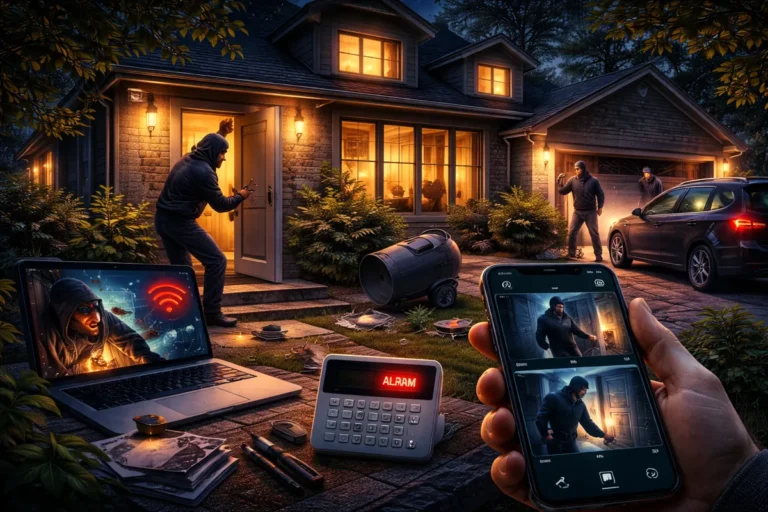
An adventurous cat jumping onto a counter, a heavy curtain blowing in an A/C breeze, or a poorly mounted sensor can easily trigger a false alarm.
When you choose a self monitoring vs subscription security framework, you bear the entire burden of deciding if an alert is dangerous.
Commercial monitoring teams introduce an important safety buffer through specialized multi-step verification protocols.
Operators will look at sensor sequences or double-check video feeds to confirm a threat before calling local emergency services.
This step is incredibly important because repeated accidental dispatches can result in steep fines from local police departments.
System Optimization Checklist
To discover how to properly tune your physical hardware and completely eliminate annoying accidental notifications, take a look at our guide on how to reduce false alarms in diy home security systems.
📱 Day-to-Day Usability and System Interaction
When deciding if professional monitoring is worth it, it is easy to forget about the quiet, mundane moments of daily usage.
A home alarm is something you interact with every single day, whether you are arming it before work or typing codes at night.
Modern independent brands pour immense resources into designing intuitive, clean smartphone apps that make daily management simple.
Paying for an enterprise contract does not change how you arm or disarm your physical keypad during your normal routine.
Instead, it simply gives you an invisible layer of reassurance running silently in the background while you go about your day.
Ultimately, your day-to-day satisfaction comes down to the quality of the brand’s software rather than whether you use an independent or commercial plan.
Expert Security Tip
Test the App UI First: Before purchasing a large equipment bundle, download the brand’s mobile app from the store to test the interface layout in demo mode. Reviewing our overview of diy home security systems explained will give you a clear roadmap of what software features to look for before buying hardware.
🔋 Power Outages and Disaster Reliability
Both approaches require continuous power and a stable data connection, but they navigate unexpected infrastructure drops differently.
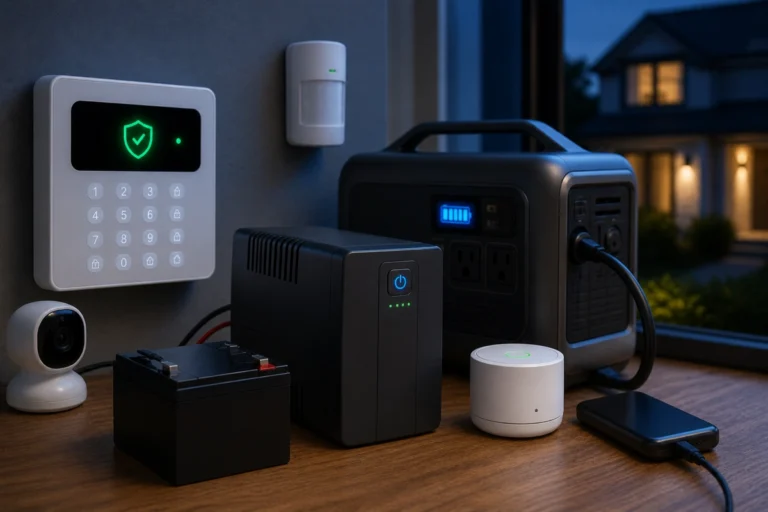
Top-tier equipment includes built-in battery cells to keep the local sensors working if a storm knocks out your neighborhood grid.
Paying for an enterprise contract routinely unlocks integrated cellular backup cards directly inside the central control hub.
This setup ensures that even if a tree limb snaps your local internet line, your alarm panel can still route data to the monitoring station.
While you can build the exact same redundancy into an independent network, doing so usually requires buying extra backup batteries or configuring alternative networks yourself.
True emergency reliability is dictated by how you build redundancy into your physical hardware, rather than whether you pay for an enterprise contract.
Backup Strategy Insights
To build a highly resilient system that can easily survive a major winter storm blackout, read our walkthrough on fail-safe planning for power and internet outages.
🔒 Navigating Digital Privacy and Local Data Control
Digital data privacy is an increasingly important factor where independent networks hold a clear structural advantage.
When you choose self monitoring vs subscription security layouts, your private video feeds and access logs live inside your personal hardware.
You maintain absolute ownership over who views your camera clips, how long data is stored, and where your files are saved.
Commercial tracking plans require you to send your private household data streams straight to an external corporate server.
While major providers utilize advanced encryption and follow strict compliance rules, some owners simply do not want corporate entities handling their private information.
Your ultimate decision here depends entirely on your personal comfort level regarding third-party data sharing.
Privacy Preservation Rules
- Limit cloud exposure by selecting hardware that supports encrypted local micro-SD storage.
- Isolate all internet-connected lenses onto a completely dedicated wireless guest network partition.
- Enforce complex multi-factor authentication requirements across every connected family user profile.
- Master network safety by implementing our blueprints on how to secure your home wi-fi for security-devices.
🔄 The Rise of the Flexible Hybrid Monitoring Model
One of the best trends in the modern residential market is the widespread adoption of flexible hybrid security platforms.
Many top-rated tech brands allow you to purchase hardware as an independent setup today, while leaving the door wide open to activate a commercial plan later.
This scalable infrastructure removes a massive amount of pressure when you are first building out your home’s defenses.
You can easily run a self-managed setup during the winter, and then pay for a single month of commercial monitoring when you take a summer vacation.
Once you return home, you can simply cancel the subscription and drop back down to standard mobile push notifications.
This adaptable approach lets you adjust your property’s defenses on the fly as your budget, travel plans, and lifestyle evolve.
Growth Planning Blueprint
If you are planning to scale your system down the line as your security confidence grows, check out our strategic overview on how to upgrade a diy system over time.
🎯 Matching Your System to Your True Lifestyle
There is no single correct answer when navigating a DIY vs professional monitoring comparison.
A self-managed plan is fantastic if you want to eliminate monthly bills, prefer complete data privacy, and can easily look at your phone during the day.
Paying for an enterprise subscription makes total sense if you want continuous oversight, minimal false alarm risks, and a reliable backup team standing by.
Your daily routine should ultimately dictate which path you choose for your property.
If you travel constantly, work in areas with poor cellular coverage, or manage an active lifestyle, paying for professional monitoring is absolutely worth it for the peace of mind.
If you work from home or have an office job where you can check phone alerts instantly, a standalone setup is more than enough to protect your home.
Urban Spatial Configuration
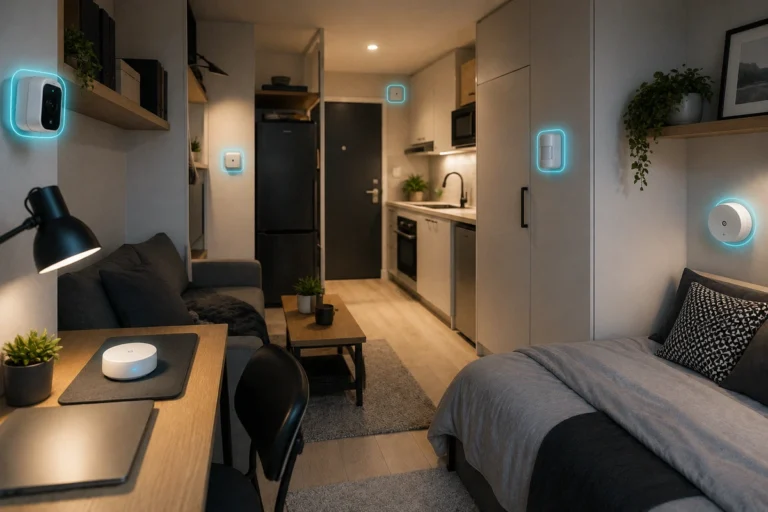
- Studio Layouts: Focus your entire gear budget on securing the primary front door entry frame and adding a main room motion eye.
- Low-Profile Gear: Deploy compact wireless hub nodes that do not require drilling permanent holes into landlord property.
- Rental Protections: Navigate small space security effectively by exploring our guide on the best diy security setups for apartments.
🚪 Conclusion
Choosing between an independent system and a paid monitoring service isn’t about finding the objectively superior tech; it’s about finding what fits your daily life.
Self-managed networks give you excellent affordability, absolute data privacy, and total design control.
Commercial monitoring plans add a valuable safety net of continuous human oversight and automated emergency dispatch.
Both paths can protect a property effectively when your hardware is deployed with care.
For the vast majority of modern homeowners, the smartest path is starting with an adaptable hybrid system that lets you test out self-monitoring first, giving you the freedom to scale up your defenses whenever your life changes.