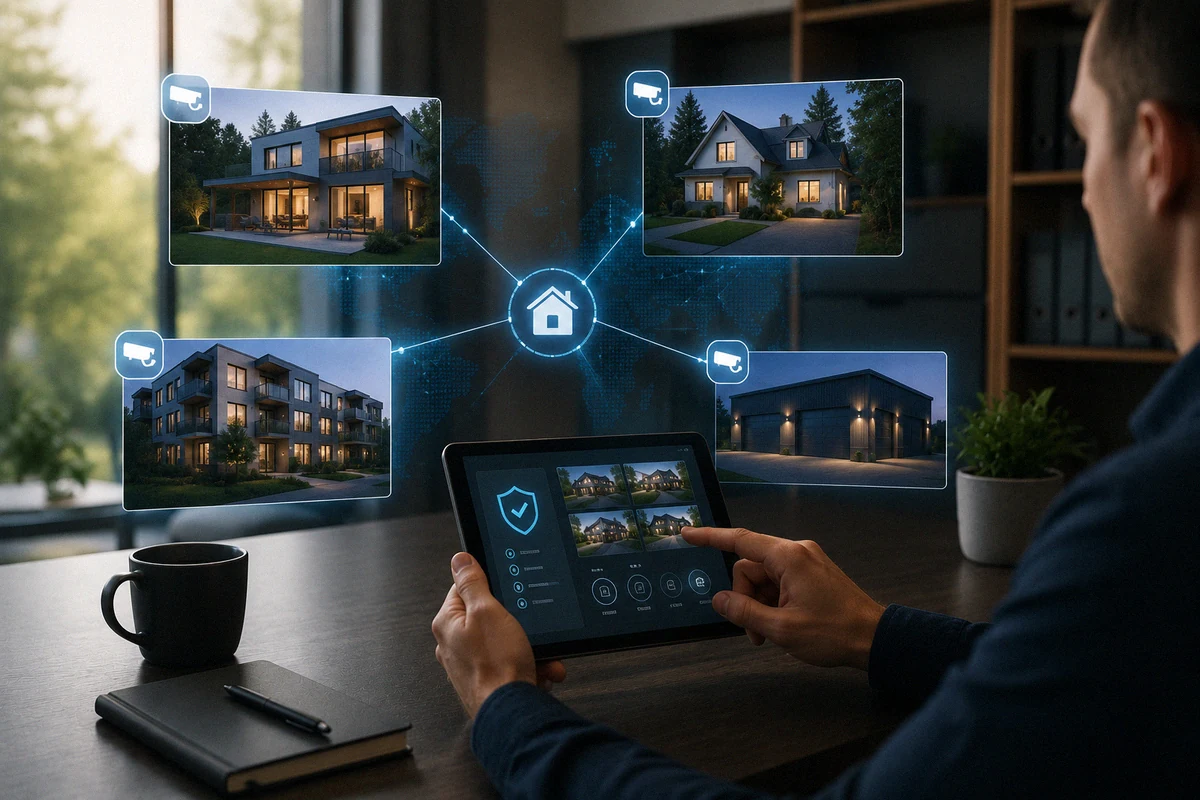
🏘️How to Secure Multiple Properties With One System

TLDR
- You can secure multiple properties from one centralized or app-based security system.
- Modern platforms allow unified monitoring of cameras, sensors, and alerts across locations.
- The best setups rely on layered access control, not just one dashboard or device type.
- Connectivity, device compatibility, and alert routing are the main technical challenges.
- A well-designed system reduces complexity while improving real-time awareness across homes.
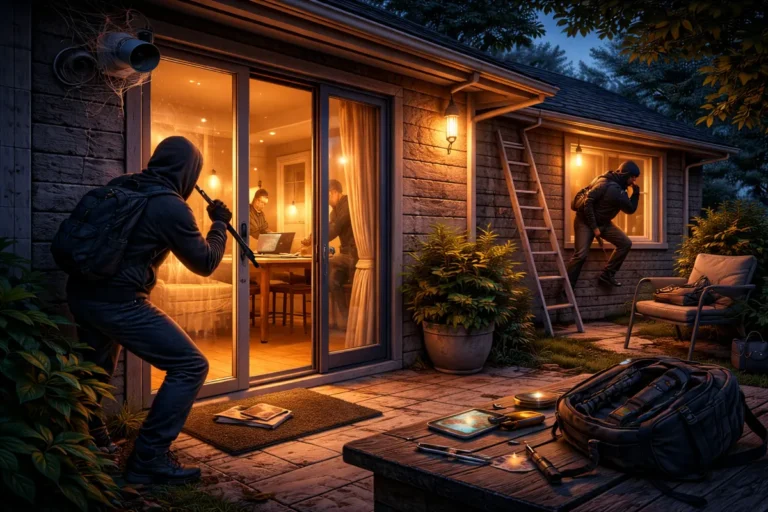
Securing a single home is already a balancing act between cameras, sensors, and daily habits. Once you add a second property, whether it is a vacation home security system, a rental unit, or a small office, the complexity jumps quickly. The challenge is not just more devices; it is coordination. You need visibility across locations without constantly switching apps or guessing what is happening somewhere else.
A well-designed multi property security system gives you one clear view of everything, while still allowing each location to operate independently when needed. This is especially relevant if you decide to buy property abroad and need a reliable way to keep eyes on your investment from thousands of miles away. That balance is what makes or breaks the setup.
Multi-Property Setup Snapshot
| Layer | Purpose | Example |
| Central platform | Unified monitoring | One app or dashboard |
| Local devices | On-site protection | Cameras, sensors |
| Connectivity layer | Communication | Wi-Fi, hub, or cellular |
| Alert system | Real-time awareness | Push notifications |
📡 Centralized Monitoring: Your Single Control Point
The backbone of any multi-location setup is the ability to monitor multiple homes security status through a centralized platform. This allows you to manage devices without logging into separate systems for each address. Most modern ecosystems are designed around cloud-based dashboards that group properties under one account.
The key advantage here is mental load reduction. Instead of remembering which specific hardware belongs to which property, everything is structured under one interface.
From a practical standpoint, the smoother the dashboard, the more likely you are to actually test your home security system regularly. If it feels clunky, people tend to ignore half the system, and that defeats the purpose of the investment.
Central System Essentials
- Unified Account: One login managing all registered properties.
- Location Grouping: Clear labels such as Home A and Home B.
- Unified Alert Feed: A single chronological list of events from all sites.
- Permission Granularity: The ability to set separate permission controls per property.
🏠 Device Consistency Across Locations
One of the biggest mistakes in remote home security systems is mixing incompatible devices across different brands. It sounds flexible at first, but it usually leads to fragmented control and common DIY home security failures. You do not necessarily need identical sensors everywhere, but you do need compatibility within the same ecosystem.
Consistency also helps with long-term maintenance. If one property uses entirely different equipment, troubleshooting becomes slower and more technical. In my experience, the systems that stayed simple were the ones I actually kept updated. When you upgrade a DIY system over time, keeping a unified brand ensures that new firmware won’t break your cross-property automations.
Compatibility Checklist
- Same primary ecosystem (e.g., Ring, Nest, or Arlo) across all properties.
- Motion sensors vs contact sensors that all talk to a shared hub or app.
- Ability to manage multiple properties security cameras without re-authenticating every time.
- Consistent alert formats so you immediately recognize the severity of a notification.
📶 Connectivity Strategy for Remote Sites
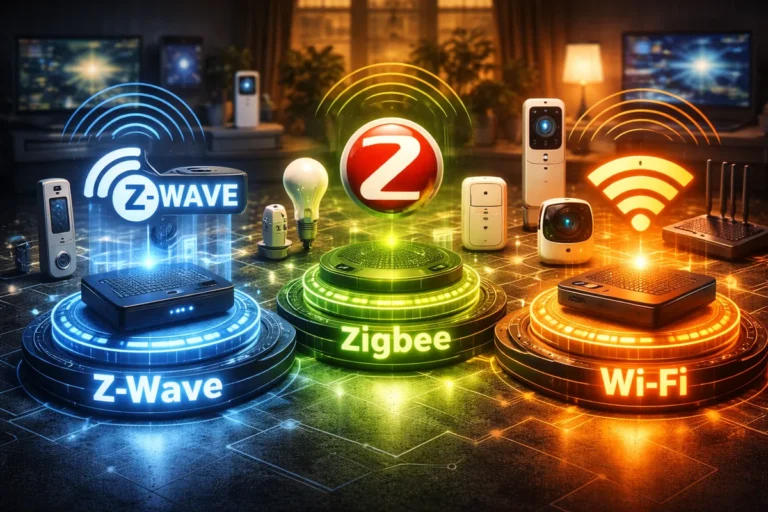
A multi property security system is only as strong as its weakest connection. If one location drops offline, you lose visibility exactly when you might need it most. Each property should have a stable primary connection, but building redundancy into a DIY security setup is the real secret to success.
The goal is simple: every location should independently maintain its connection to the central system without relying on another property’s network. This is especially important for vacation homes that are not occupied full-time. Some high-end options, like Meraki cameras, offer advanced networking, but for DIYers, it is about fail-safe planning for outages.
Connectivity Best Practices
- Local Recording Fallback: Ensure cameras have SD cards in case the cloud connection fails.
- Cellular Backup: Use hubs that can switch to LTE if the broadband line is cut.
- Power Redundancy: Use backup power solutions for your routers and hubs.
- Network Monitoring: Set up alerts that ping you if a property goes offline for more than five minutes.
🔔 Alert Management: Awareness Without Overload
Once you connect and monitor multiple homes security feeds, alert management becomes a major hurdle. Without structure, notifications can quickly turn into noise. You want real-time awareness without constant interruption. A good system lets you filter alerts by property and severity so you can distinguish between a delivery at your apartment and a sensor trip at a vacant cabin.
You should only escalate alerts that require immediate action. Everything else, like routine motion in a backyard, should be logged quietly. This avoids the “notification fatigue” that leads to homeowners ignoring a real home burglary in progress.
Alert Strategy Basics
- Separate Streams: Maintain distinct notification sounds or categories for each property.
- Priority Settings: Ensure critical triggers like glass break sensors always bypass “Do Not Disturb” modes.
- Quiet Logging: Low-risk events should stay in the history tab without a push notification.
- Verification Triggers: Only alert when a camera confirms the motion is human, not a stray animal.
🧠 Access Control: Permissions and Roles
When you manage multiple properties security cameras and sensors, access control is vital. You may not want every family member or property manager to see every location. Modern remote home security systems allow for role-based access, meaning you can assign specific permissions per property.
This is especially useful for rental properties or renters where multiple people are involved. It keeps control centralized with you as the admin while allowing selective visibility to others. A well-structured permission setup reduces confusion and prevents accidental changes to critical smart lock settings.
Access Control Levels
- Admin: Full control over all properties, billing, and user management.
- Manager: Can view feeds and arm or disarm specific properties.
- Viewer: Can only see live feeds for assigned locations, with no settings access.
- Guest: Temporary access to smart locks vs traditional locks via a one-time code.
🗺️ Learning How to Secure Second Home Remotely
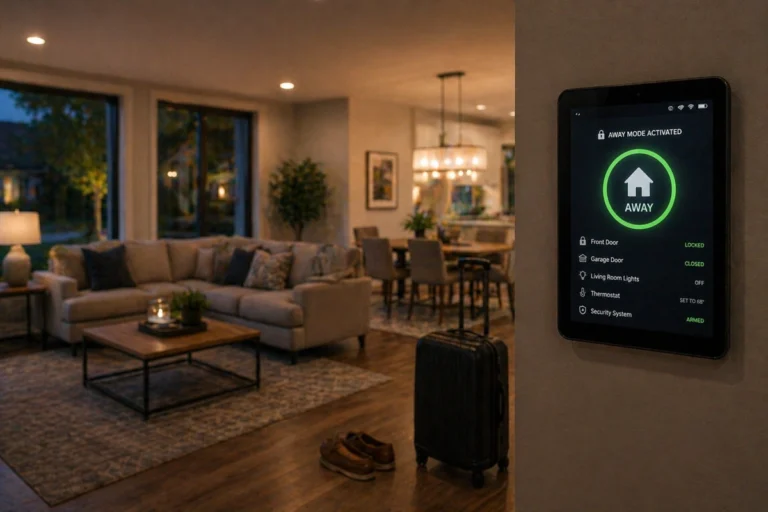
If you are specifically looking at how to secure second home remotely, you need to think about physical layers that work while you are away. This includes using landscaping as a security layer and simulating occupancy with smart lighting. A vacation home security system is most effective when it makes the house look like someone is actually there.
Don’t forget the basics like securing your garage and reinforcing your front door. These physical reinforcements provide a necessary “delay” layer that buys your central monitoring multiple locations software time to alert you and potentially authorities.
🧩 Conclusion: Sustainability Through Organization
Securing multiple properties does not have to mean multiplying your stress. In fact, the best multi property security system setups reduce complexity by centralizing control while keeping each location structurally independent.
The real goal is clarity. You should always know exactly what is happening, where it is happening, and whether it requires your attention without digging through a dozen apps.
Whether you are designing a system on a budget or going for a fully professional-grade installation, organization is the key. When the setup is done right, managing several properties starts to feel surprisingly simple.
It is not about having the most expensive gadgets; it is about having a layered home security framework that scales with your needs. Stay organized, keep your hardware consistent, and trust your system to do the heavy lifting.