🔓 Are Smart Locks Safe? A Practical Security Analysis
TLDR
- Smart locks use encryption, authentication, and mechanical deadbolts to secure entry points.
- Physical door strength and proper installation matter more than lock type alone.
- Strong passwords, firmware updates, and two-factor authentication reduce digital risks.
- Most smart locks include mechanical key overrides and battery backup alerts.
- When installed correctly, smart locks can be as secure as traditional deadbolts while adding convenience and access control.
Smart locks tend to spark strong opinions in home defense circles. Some people see them as a clear upgrade over traditional keys, while others worry that adding wireless connectivity to a front door somehow makes it easier to break into. The truth sits somewhere in the middle, and it is far more practical than dramatic.
If you are considering integrating one into your DIY home security setup, the real question is not whether they are safe in theory. It is whether they are secure when properly installed, configured, and maintained.
When you look closely at smart lock security, you find that technology is only one layer of the equation. Let’s walk through the mechanics, risks, and benefits step by step to find out how secure are smart locks really when tested against real world vulnerabilities.
⚙️ How Smart Locks Actually Work
Most residential smart locks replace either the entire deadbolt assembly or just the interior thumb turn mechanism. Mechanically, many models still rely on a standard single-cylinder deadbolt design.
When locked, a solid metal bolt extends into the strike plate just like a conventional keyed deadbolt. The only true difference is in how that physical bolt is actuated.
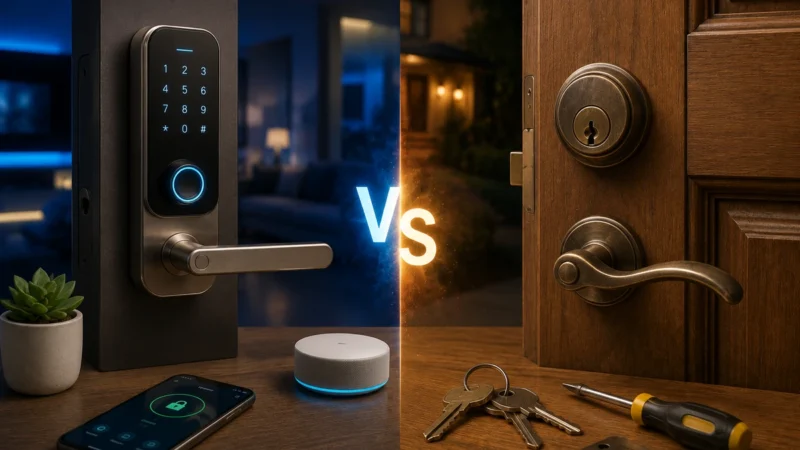
Instead of turning a physical key alone, the bolt can be controlled by a keypad, smartphone app, Bluetooth connection, Z-Wave or Zigbee network, or a Wi-Fi bridge. Internally, a small motor drives the locking mechanism when authentication is successful.
Because the basic physical bolt remains identical to a standard lock, the core structural safety does not change. This is why a device connected to an app is still bounded by traditional hardware limits, as outlined in basic DIY home security systems explained.
Smart Lock Communication Profiles
| Connection Type | Power Efficiency | Primary Use Case | Risk Profile |
| Bluetooth | Very High | Local phone proximity unlocking | Low (Requires close range) |
| Z-Wave / Zigbee | High | Integrated smart home sensor meshes | Low (Requires a localized hub) |
| Wi-Fi Bridge | Moderate | Remote control and real-time alerts | Medium (Dependent on router safety) |
🚪 Mechanical Strength Still Matters Most
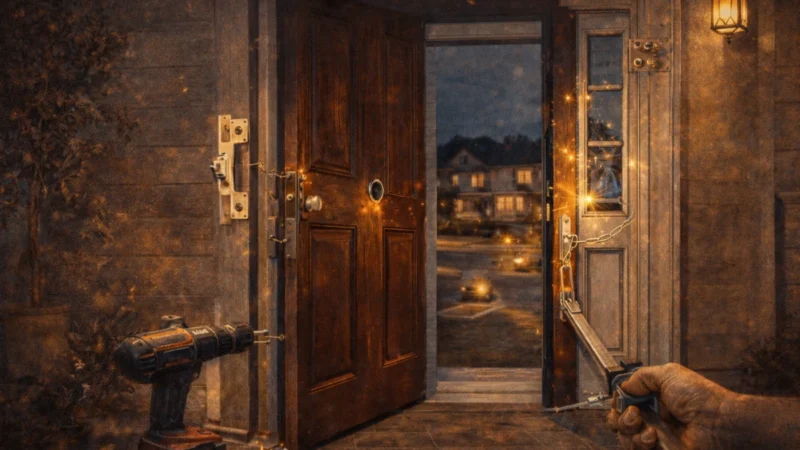
One of the most overlooked points in are smart locks safe debates is this: break-ins often target the structural door frame, not the lock cylinder itself. If an intruder attempts forced entry, they are going to use physical leverage, not advanced computer programming.
If your door frame is flimsy, even a thousand-dollar automated system will fail instantly under a heavy kick.
This mechanical reality is why many homes remain vulnerable despite having locks installed on their entryways. To make any deadbolt effective, you must reinforce the surrounding materials.
Physical Reinforcement Steps
- Replace short one-inch factory screws in the strike plate with three-inch structural screws.
- Anchor those long fasteners directly into the structural wall studs behind the decorative wooden trim.
- Choose hardware that meets recognized ANSI/BHMA Grade 1 or Grade 2 residential testing certifications.
- Ensure the deadbolt fully extends into the frame pocket without rubbing, which prevents motor strain.
If your physical frame is solid and your hardware meets industry durability standards, the baseline mechanical defense is completely comparable to a conventional deadbolt. If you want to maximize physical resistance, take the time to reinforce your front door frame properly.
💻 Digital Security and Hacking Risks Explained
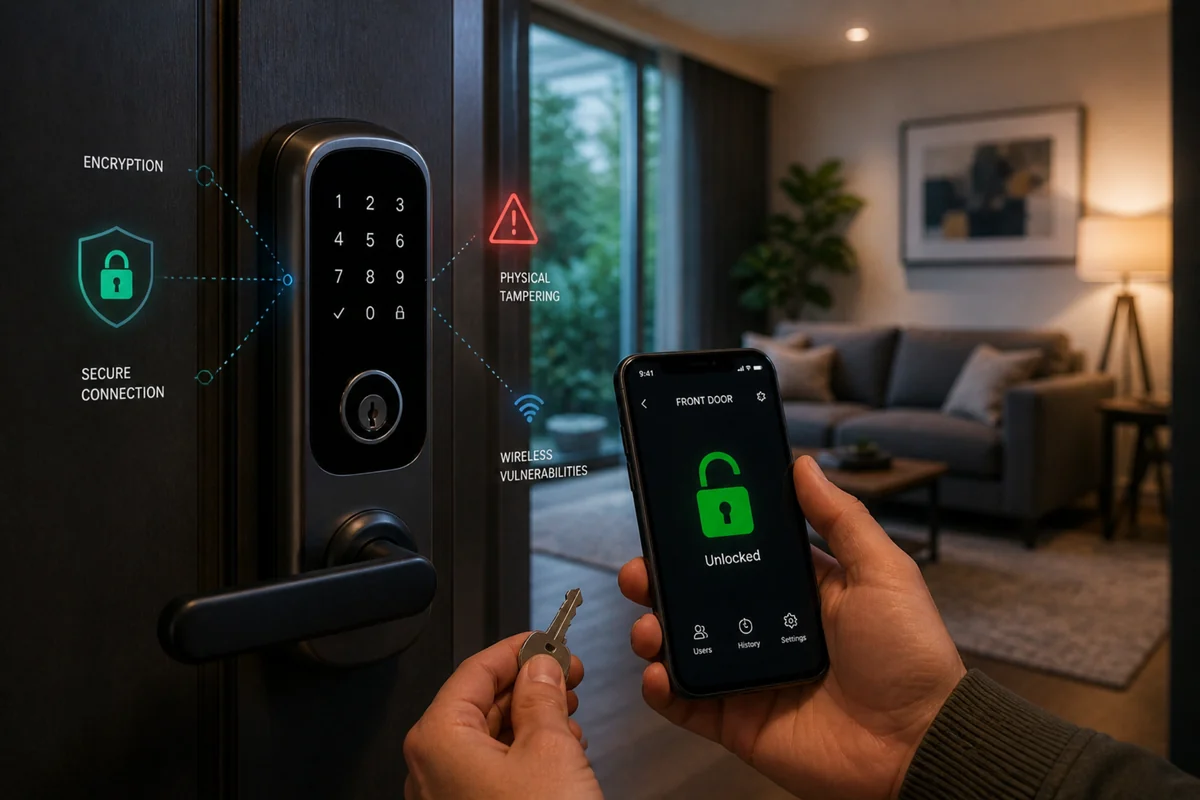
Unlike traditional brass keys, connected hardware introduces digital communication over the airwaves. This electronic footprint is where the majority of consumer smart lock safety concerns are focused. People naturally worry about an intruder wirelessly manipulating their doors from the curb.
Most modern hardware brands protect these channels using advanced encryption standards (like AES 128-bit or 256-bit) to prevent unauthorized interception. This is the exact same cryptographic layer used by financial institutions to protect online banking data.
However, the software layer is only as strong as your home network infrastructure. If your network is open, your hardware faces exposure.
[Weak Setup] --> Open Router Wi-Fi --> No App 2FA --> High Security Risk[Secure Setup] --> Hardened WPA3 Wi-Fi --> Strong 2FA Enabled --> Defended EntryWhen users ask can smart locks be hacked, the answer is technically yes, but it rarely happens the way it does in movies. Security researchers often discover flaws in outdated device firmware or unencrypted local bridges rather than breaking the core encryption.
For example, reports on software vulnerabilities and security patches show that digital breaches almost always exploit unpatched, old systems rather than active, updated code. This highlights the importance of keeping your wireless systems updated regularly.
📱 Passwords, Apps, and Account Protection
If you manage your front door through a smartphone application, your master account credentials represent your true primary entry point. Weak passwords or credential reuse represent the most significant smart lock security risks explained by modern threat analysts.
If an attacker gains your email password from a separate data breach, they can easily log into your security app if you reuse passwords.
To protect your home, you must implement strong digital habits. This includes using long, randomized passphrases and enabling two factor authentication on every account.
This digital gatekeeper ensures that even if someone steals your login password, they cannot access your deadbolt without a secondary verification code sent to your physical phone.
Mobile App Safety Checklist
- Deploy unique, 16+ character passphrases for your security accounts.
- Turn on instant push notifications for all lock and unlock events.
- Optimize your home Wi-Fi network settings specifically for automated hardware.
- Remove old, unused user accounts or temporary profiles immediately from the app dashboard.
⚖️ Analyzing the Pros and Cons of Smart Locks
When deciding whether to transition away from traditional brass keys, conducting a balanced review of the pros and cons of smart locks can clarify your choice. The main trade-off is replacing the simple permanence of a physical key with the dynamic control of electronic access software.
The Clear Advantages
The biggest asset of digital locking hardware is access control. You can generate temporary PIN codes for guests, maintenance workers, or real estate clients and delete them the moment the job is done.
This entirely eliminates the risk of unauthorized duplicate keys floating around. Furthermore, built-in audit logs give you a clear chronological history of exactly who entered your home and at what time.
The Operational Trade-offs
On the flip side, electronic systems require ongoing maintenance that traditional locks do not. You have to monitor power levels, manage application updates, and deal with occasional wireless connectivity drops.
This is a classic example of the most common security mistakes homeowners make, where people install smart tech but fail to maintain the backend software infrastructure over time.
🔋 Managing Battery Life and Power Failures
A frequent operational worry for beginners is getting locked out due to a completely dead battery. Because smart locks are completely independent of your home’s main electrical grid, they rely entirely on internal alkaline or lithium cells to run their motors.
To prevent sudden failures, manufacturers program their systems to send persistent low-battery warnings weeks before the cells drain completely.
If you ignore these push notifications and audible low-power chimes, you will eventually face a dead unit. This is why choosing a model with a mechanical key override is so important for long-term peace of mind.
Power Loss Mitigation Options
- Mechanical Override: A standard keyway hidden under a sleek faceplate allows manual opening.
- External Battery Contacts: Key-free models often feature a small 9V battery terminal on the bottom of the chassis to jump-start the electronics temporarily from the outside.
- Proactive Maintenance: Include your deadbolt power inspection when testing your home security system regularly.
🛡️ Integrating Deadbolts Into a Layered Security Plan
A smart deadbolt should never stand alone as your only property defense. It should act as a single point within a comprehensive layered home security framework. If an intruder tries to compromise your door, your lock’s main job is to delay them, while your surrounding tech handles detection and documentation.
Pair your deadbolt with high-visibility outdoor cameras focused on your porch approach paths. Additionally, placing contact sensors on the door frame ensures that if the door is forced open through raw structural violence, your primary siren will sound instantly to alert the neighborhood.
Unified Property Protection Matrix
| Defense Zone | Primary Hardware Layer | Security Function |
| Approach Path | Motion Activated Lights | Strips away darkness and anonymity |
| Perimeter Gate | Outdoor Cameras | Captures facial IDs and records context |
| Main Threshold | Smart Deadbolt Assembly | Delays access, monitors code history |
| Inner Frame | Door Contact Sensor | Triggers immediate siren upon structural breach |
This multi-tiered configuration ensures that your home defense profile does not collapse if a single electronic component experiences a network error or a flat battery.
🏁 Final Verdict: Smart Security Requires Smart Habits
So, are smart locks safe for the average household? When built to recognized mechanical testing standards, installed correctly on a reinforced frame, and configured with strong digital account habits, they are just as safe as traditional locks.
They are not magic, nor are they inherently dangerous. They are simply tools that trade the physical risk of lost or copied keys for the digital responsibility of password management and software updates.
If you handle them with the same practical, proactive mindset you apply to securing your sliding doors or your home Wi-Fi, they represent an incredibly functional upgrade for any modern home.
Focus on your structural frame strength first, keep your application patched, and use the added access data to manage your home’s perimeter with total confidence.