🛡️Should You Put Security Devices on a Guest Network?

TLDR
- A guest network can isolate your security devices and reduce risk if one gets compromised. 🌐
- Most modern routers allow guest networks that block access to your main devices and personal data. 🔒
- Cameras and smart devices are common entry points for hackers, so separation improves overall safety. 🛡️
- Some setups may require keeping certain devices on the main network for local compatibility. ⚙️
- A hybrid approach often gives the best balance between high security and daily usability. ✅
When you first set up a few smart devices, everything feels simple. You connect them to your WiFi, install the app, and you are done with no second thoughts about your IoT network security setup.
But as your setup grows, something changes. You are no longer just connecting a camera or two; you are building a system that controls access to your home, records activity, and stores sensitive data.
That is where the idea of using a security devices guest network starts to make sense. I didn’t think much about it at first either until I looked at how many devices were actually connected—cameras, sensors, smart plugs, and a doorbell.
Suddenly, my network wasn’t just “home WiFi” anymore. It was a full ecosystem, and managing it correctly is a core part of DIY home security systems explained for the modern homeowner.
🔐 What a Guest Network Actually Does
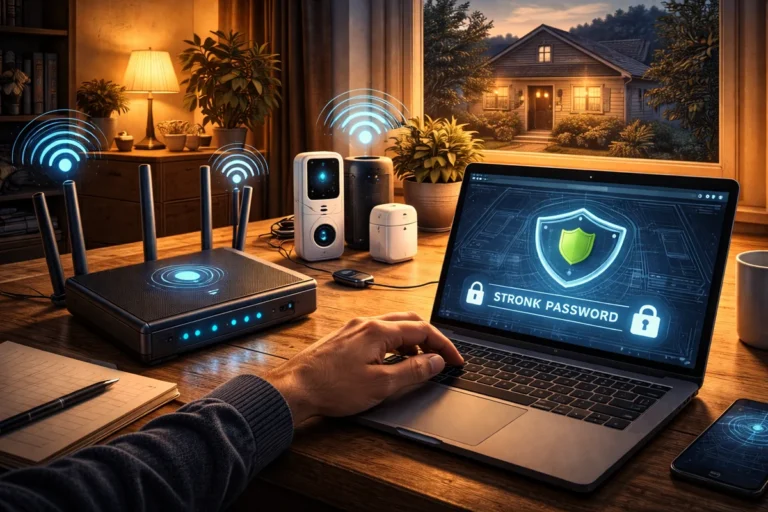
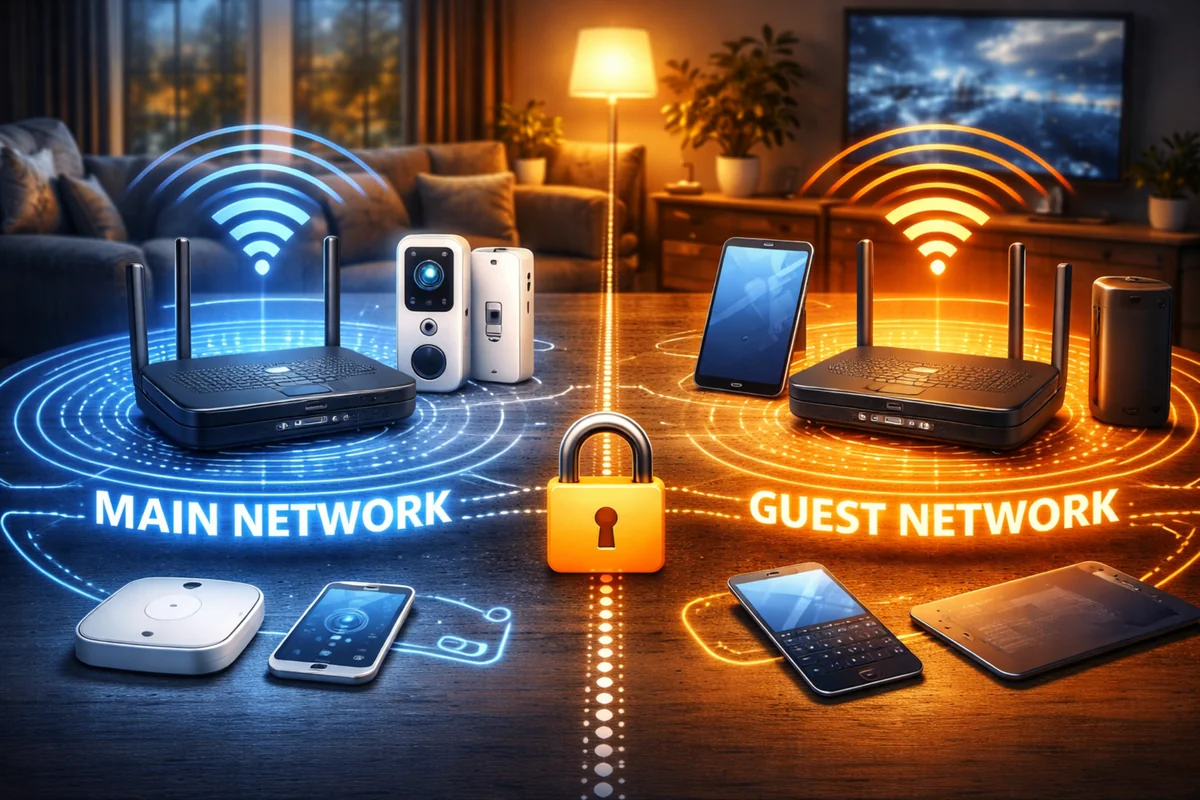
A guest network is not just for visitors. At its core, it is a separate network created by your router that runs alongside your main one to protect main network from IoT devices.
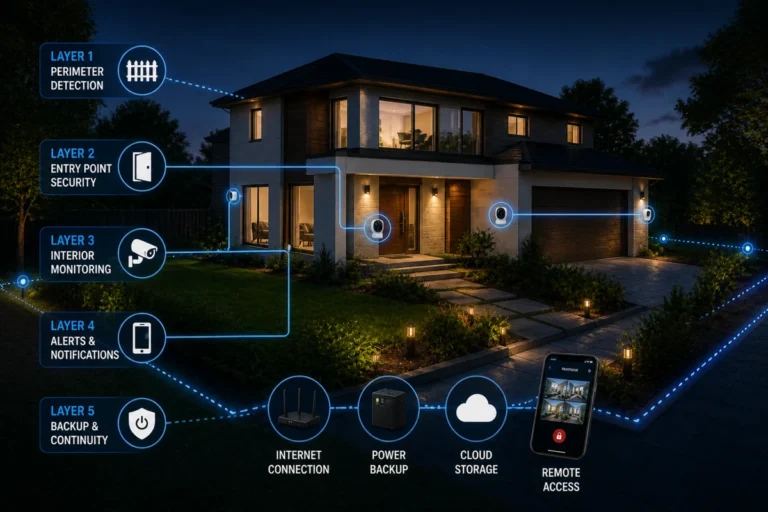
Devices on a guest network can access the internet, but they are typically blocked from communicating with devices on your primary network. This isolation is what makes guest networks useful for security, especially when following a layered home security practical DIY framework.
| Feature | Main Network | Guest Network |
| Device Access | Full | Limited |
| Visibility | All devices seen | Isolated |
| Security Exposure | Higher | Lower |
💡 Expert Tip: When setting up your guest network, look for a setting called “AP Isolation” or “Client Isolation.” This prevents the smart devices from even seeing each other on the same guest network.
📡 Why Security Devices Are a Special Case
Not all devices carry the same level of risk. Your laptop and phone are regularly updated and protected with strong passwords, but many smart home devices do not always meet that same standard.
This is a known issue in the smart home network segmentation space. Many lower-cost devices have infrequent firmware updates and weak default settings that are rarely changed by the user.
- Firmware: Updates are often manual or non-existent.
- Credentials: Default passwords are often hardcoded or easy to guess.
- Encryption: Data transmission might not be fully secured.
Putting them on a separate network for smart home devices helps reduce that risk. If one device gets compromised, it does not automatically expose your personal files or home security threats most people ignore on your main machines.
📖 Read Also: Common DIY home security failures and how to avoid them
⚖️ The Real Benefits of Using a Guest Network
Let’s get practical about what you actually gain by doing this. The primary benefits of guest network for security involve limiting the “lateral movement” of a potential intruder.
If someone gains access to a camera, they do not immediately gain access to your banking information on your laptop. This separation is one of the simplest ways to improve your overall setup without buying new hardware.
📖 Read Also: The most common security mistakes homeowners make
⚠️ The Downsides of Segmentation
This is not a perfect solution, and it is worth being upfront about the trade-offs. Some devices rely on local communication and need to be on the same network as your phone or hub to function.
Potential issues include difficulty accessing live camera feeds locally or smart home hubs not detecting devices on a separate network. This is often a hurdle when figuring out how reliable are wireless security systems in complex homes.
| Challenge | Impact |
| Compatibility | May not connect to main hub |
| Local Control | Limited or unavailable |
| Setup Complexity | Slightly higher |
🧠 Should Smart Devices Be on Guest Network?
Not every setup needs a security devices guest network. It depends on how you are using your system and the brand of hardware you have chosen for your home.
It makes the most sense if you have multiple cameras and varied IoT devices from different manufacturers. However, it may not be necessary if you only have a few well-maintained devices from a single reputable brand.
From experience, once you pass a certain number of devices, separation becomes more valuable. This is especially true for best DIY home security for apartments where network interference is already high.
💡 Expert Tip: If you notice a “Device Not Found” error after moving a camera, it likely needs to talk to your phone over the local network to authenticate. You may need to move it back during the setup phase.
🔄 The Hybrid Approach That Works Best
In most cases, the best solution is not all-or-nothing. You can separate devices based on how they function to maintain IoT network security setup integrity while keeping your life easy.
A common approach is putting cameras and cloud-based devices on the guest network while keeping smart hubs on the main network. This setup keeps things functional while still optimizing Wi-Fi for home security devices for performance and safety.
- Guest: Outdoor cameras, smart plugs, light bulbs.
- Main: Smart hubs, NAS storage, personal computers.
- Isolation: Ensure “Allow guests to see each other” is turned off.
📖 Read Also: How to build redundancy into a DIY security setup
🛠️ How to Set It Up Without Overthinking It
If your router supports guest networks, the setup is usually straightforward. You can follow general home network security guidelines from CISA to ensure your router is hardened against basic attacks.
The key is to disable access to the local network within the guest settings. This is what enforces the separation and ensures you protect main network from IoT devices effectively.
📖 Read Also: Testing your home security system regularly
💬 A Quick Personal Note
When I first tried this, I expected it to be a nightmare of disconnected apps. It wasn’t. What took longer was figuring out which devices actually needed to stay on the main network for my automation to work.
My cameras moved over easily, but my smart hub required a main network connection to talk to my phone. Once I adjusted for that, everything worked fine and my digital privacy for expats and home users alike felt much more secure.
🏁 Conclusion: A Simple Layer of Protection
So, should smart devices be on guest network? In many cases, the answer is a resounding yes. It is one of the easiest ways to add a meaningful layer of protection without spending a dime on new equipment.
It is not a perfect fix, and it will not replace the need for strong passwords or assessing your home like a burglar would to find physical weak points. But it reduces digital risk in a very practical way.
Security does not have to be complicated. Sometimes it is just about keeping things separated so that a small vulnerability in a light bulb doesn’t become a major threat to your personal data.