Privacy Risks of Smart Home Security Systems

Key Take-Aways
- Smart home security systems improve protection, but they can also introduce privacy risks if poorly configured.
- Weak passwords, outdated firmware, and over-sharing permissions are among the biggest vulnerabilities.
- Most privacy risks are manageable with better settings, network security, smart device placement and a quality VPN.
Smart home security systems are fantastic at what they do. Cameras keep an eye on packages (which won’t do you much good due to scumbag porch pirates), motion sensors watch entry points, and phone alerts make you feel like your house is never really unattended.
But there is a side of the conversation that deserves a little more attention: privacy.
The irony is hard to miss. The same devices designed to protect your home can sometimes expose more information than you realize if they are not configured properly.
That does not mean smart home security is risky by default. Most smart home privacy risks are preventable.
The trick is understanding where those risks actually live so you can make better decisions when starting your DIY home security journey.
Want to avoid many of the most common privacy risks of smart home security systems? Get a VPN!

Cameras: Helpful and Potentially Too Helpful
Smart security cameras are usually the first thing people think about when privacy comes up, and that makes sense.
A modern camera can record video, audio, movement patterns, and even recognize familiar faces.
That is incredibly useful for home protection, but it is also a lot of personal information.
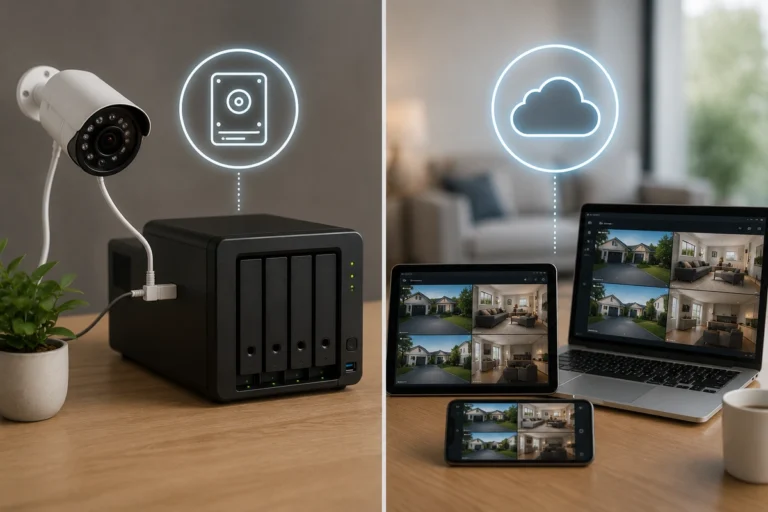
The biggest security camera privacy concerns revolve around who can access those recordings. Depending on the system, how you store that video changes your privacy profile significantly.
Cloud storage is not automatically bad; many reputable systems encrypt stored footage. Still, cloud-based systems require trust in the provider’s infrastructure – and sometimes that trust is heavily misplaced.
Apart from the digital privacy, one thing I have learned after testing different setups: where you place security cameras matters as much as the software security.
A camera in a bedroom you forget is always on deserves more thought than a front porch camera.
Weak Passwords Are Still the Biggest Problem
This sounds boring and maybe even ridiculous to some of you, but weak passwords continue to be one of the biggest risks of smart home devices.
Many security issues come down to compromised accounts rather than hacking in the movie sense.
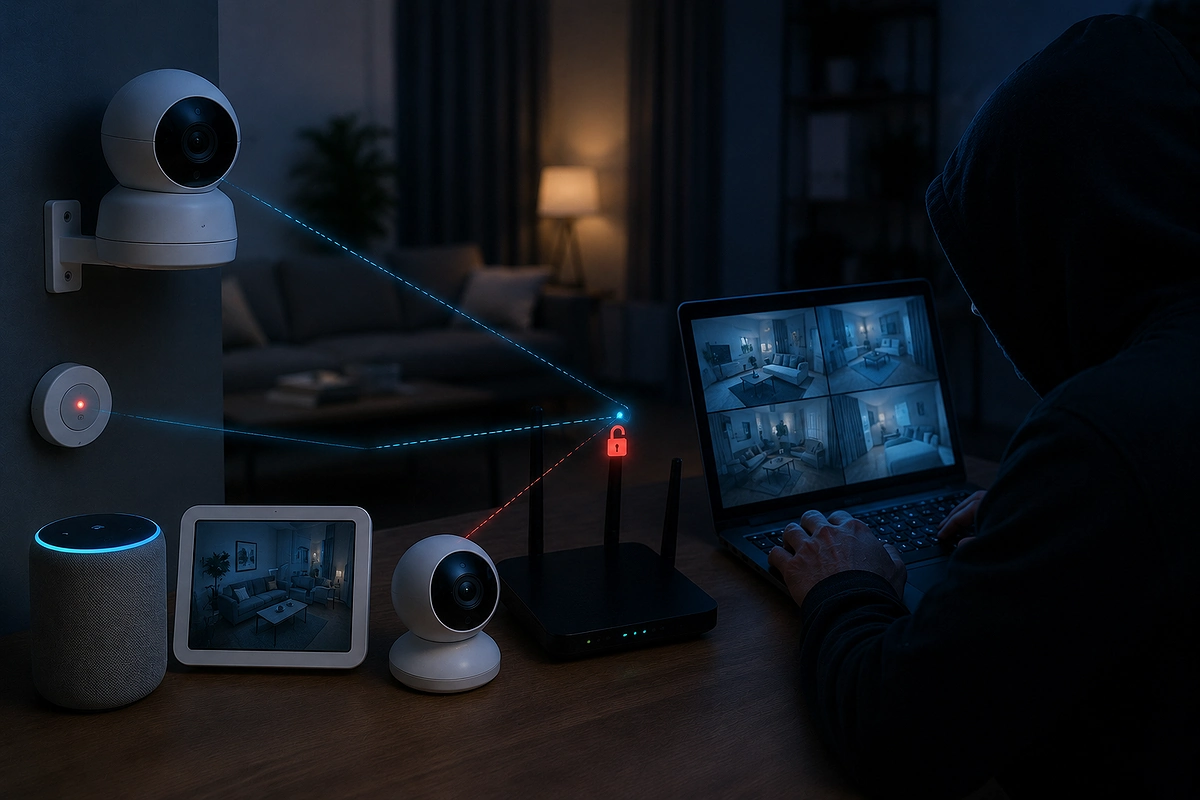
There’s no creep in a hoody with 17 screens pulling all-nighters trying to break your system, but rather your grandma using her birthday or the name of her cat as her password.
People often ask, can hackers access security cameras? The answer is almost always yes if the account uses a password that was leaked in an old breach elsewhere, or if it’s weak.
Quick Privacy Protection Checklist
- Unique Passwords: Never reuse passwords across different security platforms.
- Enable 2FA: Activate two-factor authentication on every DIY security system app. This is such an easy step…. Do it!
- Login Notifications: Turn on alerts so you know immediately if someone else logs in.
- Account Reviews: Periodically check which devices and users are authorized to view your feeds.
This is a quiet but vital win. If you are designing a system on a budget, strong password management is the single most effective free upgrade you can implement to protect privacy smart home devices.
It just takes some time and a bit of effort, but it’s well worth it.
Your Wi-Fi Network Security
Your smart security devices are only as secure as the network they sit on. A poorly secured home network creates opportunities for unwanted access.
This is why I always hammer down the importance of a VPN. It protects your digital privacy AND your physical devices.
Most modern routers support stronger security standards like WPA2 or WPA3, but the bigger issue is usually neglect. People often install wireless security systems and never revisit their router settings again.
Essential Wi-Fi Habits
- Change Defaults: Update your router’s default administrative password immediately.
- Firmware Updates: Ensure your router and all security devices receive regular updates.
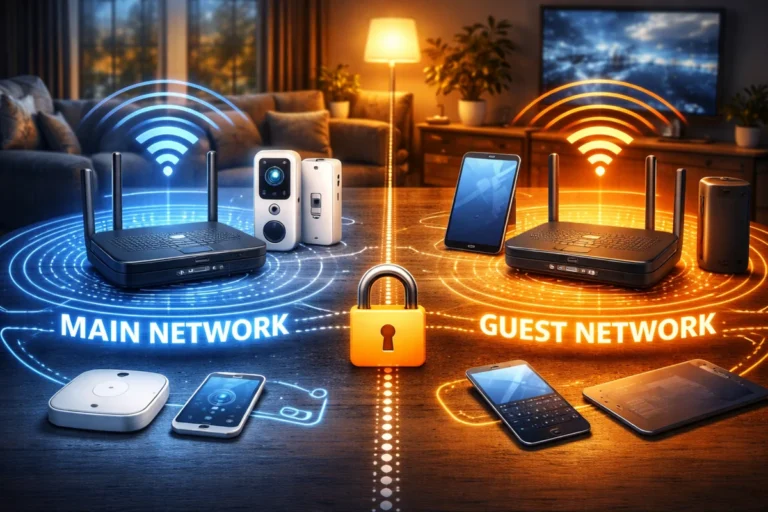
- Network Isolation: Use a guest Wi-Fi SSID for smart plugs and cheaper cameras.
- Audit Connectivity: Remove old devices you no longer use from the network.
- Get a VPN: Installing a quality VPN gives you another layer of digital protection and privacy. It’s a cheap and easy way to take your digital safety to the next level.
Cloud Storage and Data Collection
This is where things get slightly less obvious. Data collection home security systems may log more than just video.
Depending on the platform, companies can track motion patterns, device usage history, and app interactions. Yes, this is real, and yes, you should be at least a little bit concerned.
Organizations like the Mozilla Foundation often review these practices to highlight which brands respect user data more than others.
This collection often exists for troubleshooting or feature improvements. But that doesn’t mean the data can’t be misused.
So you should still be proactive and ensure you share the least amount of data possible.
Review your privacy settings immediately after installation and adjust video retention periods to suit your needs.
Most people never revisit default settings, which is exactly why defaults deserve your attention.
Privacy Habits for a Secure Home
Smart security systems are not inherently dangerous to your privacy.
Millions of households use them without problems. The overwhelming majority of issues happen because of weak passwords or settings that were never checked.
This is silly, but also encouraging because it means most risks are fixable with a little effort.
Daily Privacy Habits
- Shutter Use: If your camera has a physical privacy shutter, use it when you are home.
- Geo-fencing: Set cameras to automatically turn off when your phone is at home.
- Notification Scrutiny: If you get an alert about a new login you didn’t initiate, act immediately.
- Routine Audits: Check your security checklist regularly to ensure settings haven’t reverted.
To truly how to secure smart home privacy, you must treat your smart security as a layered framework.
A well-maintained system can absolutely balance convenience and safety, but you can’t just rely on it being that way.
By being intentional about hardware placement and account management, you can enjoy the peace of mind that comes with modern protection without feeling like you have compromised your personal life.
Final Thoughts
In summation, the goal of home security is to help you feel more comfortable, not more worried.
When your system is configured well and you do your best to protect privacy smart home devices, you can enjoy the benefits of smart protection.
Secure passwords, better network habits, a quality VPN and regularly testing your system go a surprisingly long way.
Security is about taking control of your environment, and that includes taking control of the data your devices generate.
Want to avoid many of the most common privacy risks of smart home security systems? Get a VPN!