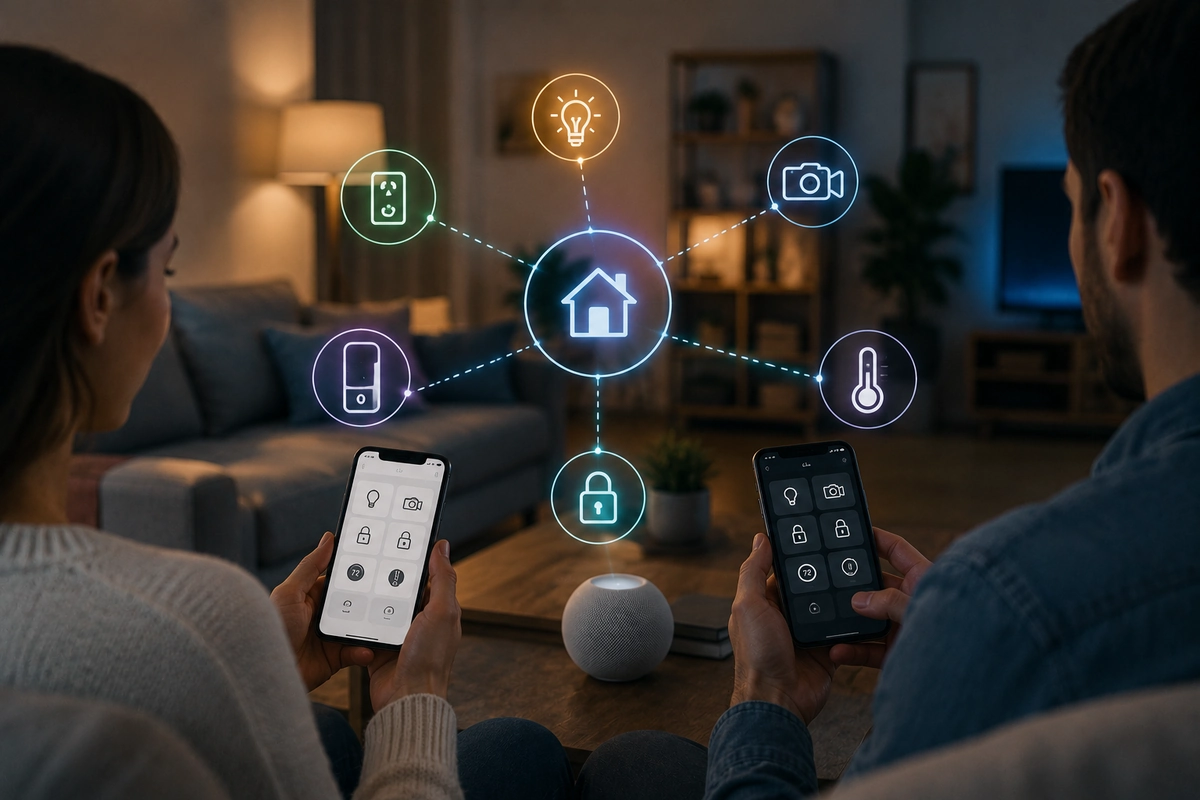
Multi-Admin Smart Home Configurations: Syncing Devices Across Apple and Google

Key Take-Aways
- Multi-admin smart home setups let you securely share control across households and devices.
- Permissions, user roles, and access control matter more than ever in shared setups.
- A structured setup approach reduces conflicts, lag, and automation failures.
Smart homes used to be simple – quite ironic.
A few short years ago, a standard layout usually relied on one app, one ecosystem, and one person holding the primary administrative control.
Right now? Modern households require a much more realistic approach to property management.
Partners, roommates, family members, or tenants often need simultaneous access across different mobile platforms.
When navigating a cross ecosystem smart home control strategy, keeping your protective hardware synchronized can become a challenge.
This guide covers how to keep everything fast, stable, and secure without creating a messy web of conflicting rules.
Whatever you do, ensure you have a strong VPN set up, to keep your connections safe and private!

What “Multi-Admin” Actually Means in Practice
At its core, a smart home multi admin setup lets more than one person manage the exact same hardware accessories.
There’s more than one admin – hence the name.
Instead of handing over a single master login password, you are sharing distinct, authorized administrative invitations.
This configuration approach drastically minimizes the the most common security mistakes homeowners make when managing digital keys.
By isolating user access profiles, you retain full operational oversight of your perimeter.
It’s like having a guest account on your PC – guests have access, but limited.
With newer physical connection standards, an accessory can be shared natively across platforms without needing to be fully duplicated in your wireless router.
This is a massive shift from older systems where separate platforms constantly fought for exclusive hardware control.
Common Multi-Admin Setup Types
- Primary owner and guest access: Temporary digital entry permissions granted to visitors or short-term maintenance workers.
- Shared household monitoring arrays: Equal administrative control assigned to partners or roommates living under the same roof.
- Multi-platform residential configurations: Blended mobile networks where both iOS and Android handsets require localized hardware control.
- Decentralized property profiles: Managing standalone secondary spaces or vacation properties from a single administrative master application.
The latter is an excellent way to manage your AirBnB rental properties, even when you’re not currently near your property.
Why Thread + Matter Changes the Game
The introduction of modern universal standards represents a massive turning point for shared residential defense arrays.
It’s basically the next step in this whole endeavour.
This technology is a shared network language that ensures components behave consistently across completely different target apps.
Thread functions beneath this layer as a resilient, low-power mesh network engineered for always-on perimeter accessories.
This framework completely transforms how you deploy items like entry sensors or deadbolts throughout your property.
When you learn how to use Matter multi admin controls, you can link a single peripheral to separate controllers simultaneously.
This localized pairing approach removes the need for clunky software workarounds or secondary account hacks.
Choosing the Right Border Router Setup
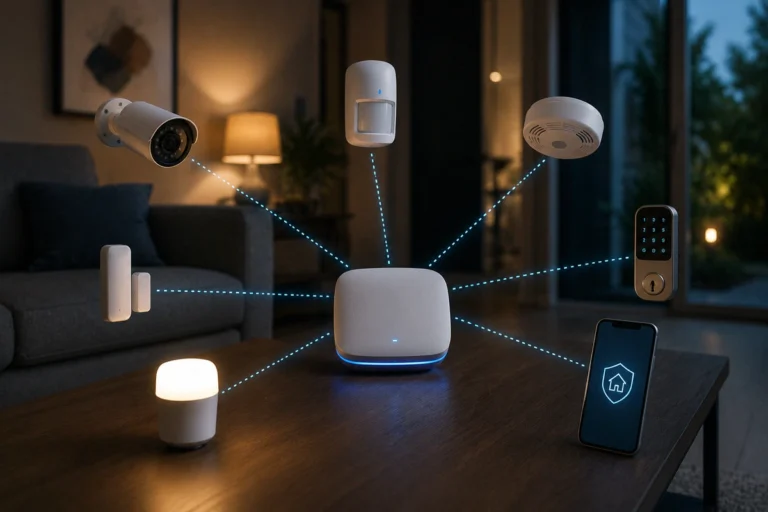
A dedicated mesh border router is the physical bridge that anchors your low-power wireless nodes to your main computer network.
Without this component, your battery-operated security peripherals cannot send alert signals to your mobile devices.
These border translation layers are typically embedded inside premium smart speakers, streaming boxes, or dedicated automation hubs.
Selecting the proper bridge prevents your tracking array from lagging during a critical event.
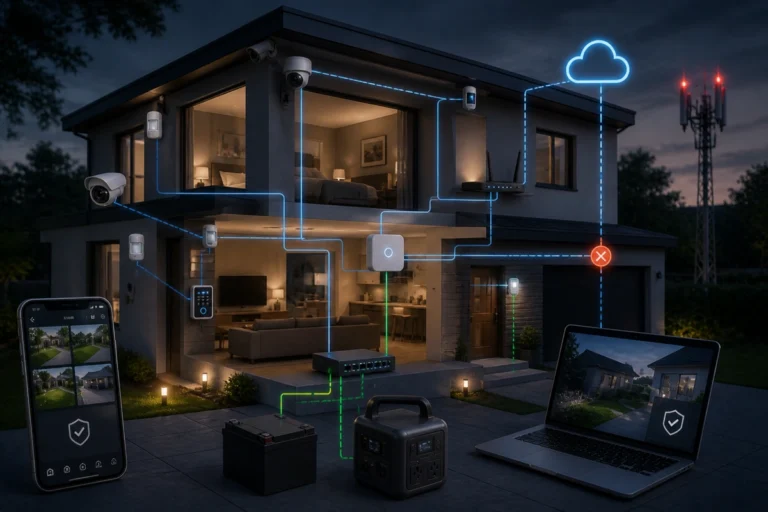
When deploying multiple hubs, you naturally introduce fail-safe planning for power and internet outages into your property’s defense blueprint.
A self-healing mesh automatically routes data past offline components.
Making Multi-Admin Actually Work Smoothly
Now, how to actually make your multi-admin smart home work?
The most common point of failure in mixed-platform environments is not a lack of hardware compatibility. Instead, it comes down to a complete lack of synchronization between user automation rules.
If you establish identical tracking schedules inside both apps simultaneously, commands will conflict with one another.
This can cause severe automation lag or cause your alarms to fire at completely incorrect times.
To prevent these glitches, it is critical to implement a comprehensive home security maintenance checklist to inspect your system states regularly.
Keeping your app rules clean saves hours of unnecessary troubleshooting.
Don’t neglect this!
Centralizing your rule processing logic inside a single master application keeps operations predictable. Use the secondary application strictly for manual user control adjustments and quick notification alerts.
Common Mistakes to Avoid
- Running duplicate background routines: Avoid triggering identical siren or light responses inside both management apps at the same time.
- Mixing unsupported legacy gear: Ensure old, non-standard accessories are not expected to interact seamlessly with your new mesh network.
- Overloading a single routing node: Distribute your automated sensors across multiple border bridges to maintain rapid response speeds.
- Using mismatched accessory labels: Standardize your room names and hardware designations across every single shared device to avoid confusion.
Conclusion: The Goal Isn’t Complexity, It’s Coordination
In summation, a properly configured multi-admin setup does not need to mirror an enterprise corporate network layout.
The ultimate goal is to let multiple residents monitor the same property without compromising system speed.
That’s it.
Modern mesh standards make this shared approach far more achievable than it ever was in the past.
Focus on establishing a singular control layer while treating alternate applications purely as access entryways. With a clear hierarchy in place, your cross-platform configuration will stay reliable for the long haul.
Whatever you do, ensure you have a strong VPN set up, to keep your connections safe and private!